Free Design Tools for Non-Designers and Web Creators
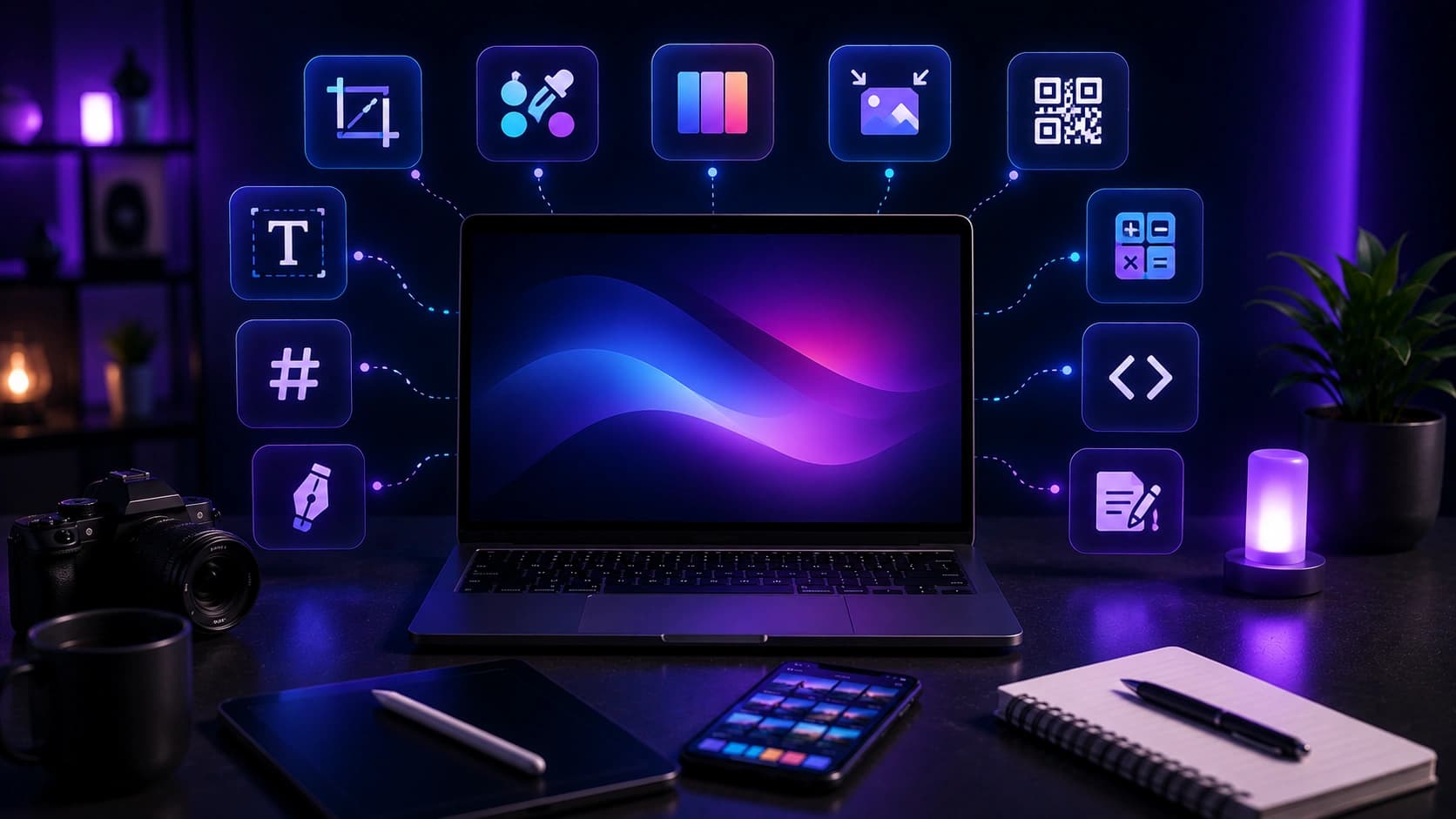
Most design work that falls on non-designers and developers is not complex layout work. It is a list of smaller decisions: which colors to use, which fonts work together, whether the shadow is too heavy, where to get a favicon. Each one could be done in Figma, but opening a full design suite for a single CSS value or a 32x32 icon is overkill.
The tools below handle exactly those smaller jobs. They run in your browser, require no account, and produce production-ready output in under two minutes each. I built them while working on Sounez to solve the same small problems I kept hitting: not having a favicon ready, not knowing which font pairing would work for a landing page, wanting a pattern background without writing the CSS from memory.
Professional design is mostly about consistency — not skill. Pick a palette, commit to it, and most of the visual gap closes on its own.
Color and branding tools
Color Palette Generator
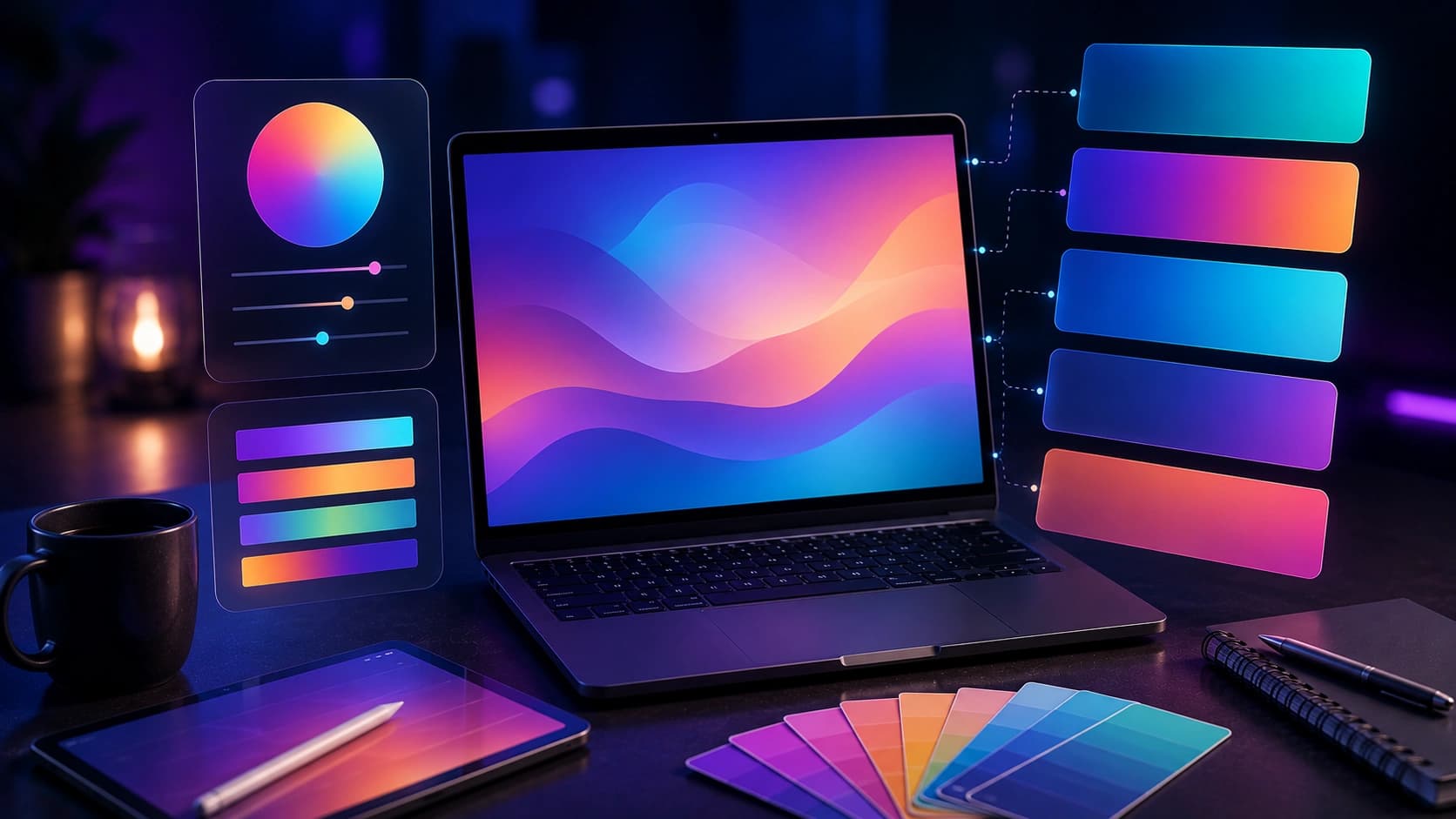
Color is the fastest way to make a project feel intentional. A consistent palette across your website, social posts, presentations, and documents helps everything feel connected even when the layouts are different.
The Color Palette Generator creates harmonious palettes from a single starting color using color theory — complementary, analogous, triadic. Pick your brand color, generate a palette, copy the hex codes, and reuse them everywhere. It also extracts palettes from uploaded photos if you have an existing visual identity to match.
Practical rules: stick to 2–3 colors, one dominant, one accent, one neutral. Never use pure black or pure white — go slightly off-true for a softer result. Read the best color palettes for modern design for the principles behind palettes that work.
Favicon Generator
A favicon is the first visual element people see when they open your site in a browser tab. A missing favicon signals an unfinished site — it is one of the most visible quick wins.
The Favicon Generator creates browser-ready PNG favicons from text, emoji, or an uploaded image. Choose your background color, shape (square, rounded, or circle) and export size. Download the PNG and copy the HTML snippet in one click. For a full guide on sizes and placement, read how to create a favicon for your website.
SVG Blob Generator
Organic shapes break the rigid grid of most web layouts. They add visual interest to hero sections, card backgrounds, and decorative accents without needing a stock image.
The SVG Blob Generator creates smooth, random SVG blobs you can adjust by points, randomness, and color. Copy the SVG code or download the file. The output is a few hundred bytes — lighter than any image and scales perfectly at any size. Read how to use SVG blobs in modern web design for placement ideas.
Typography
Font Pairing Tool
Typography is the foundation of every web design. Two fonts that clash make everything feel cheap. Two fonts that work together make even plain content look considered — and you do not need design training to tell the difference.
The Font Pairing Tool shows curated heading and body font combinations with live previews and copy-ready CSS. Choose from six design styles: Modern, Elegant, Startup, Editorial, Minimal, and Playful. Cycle through pairings until one fits the mood of your project, then paste the CSS directly into your stylesheet or Canva project. For the principles behind good typography, read how to choose font pairings for a website.
CSS design tools
CSS Gradient Generator
Gradients make hero sections, social cards, and Notion covers look polished without needing stock photos. The CSS Gradient Generator lets you build linear and radial gradients visually and copy the CSS — or screenshot the preview for use in Canva or Google Slides.
Key principle: stay within 60–90° of the color wheel. Blue to violet works. Blue to orange creates a muddy midpoint. Read the complete CSS gradients guide for more.
Box Shadow Generator
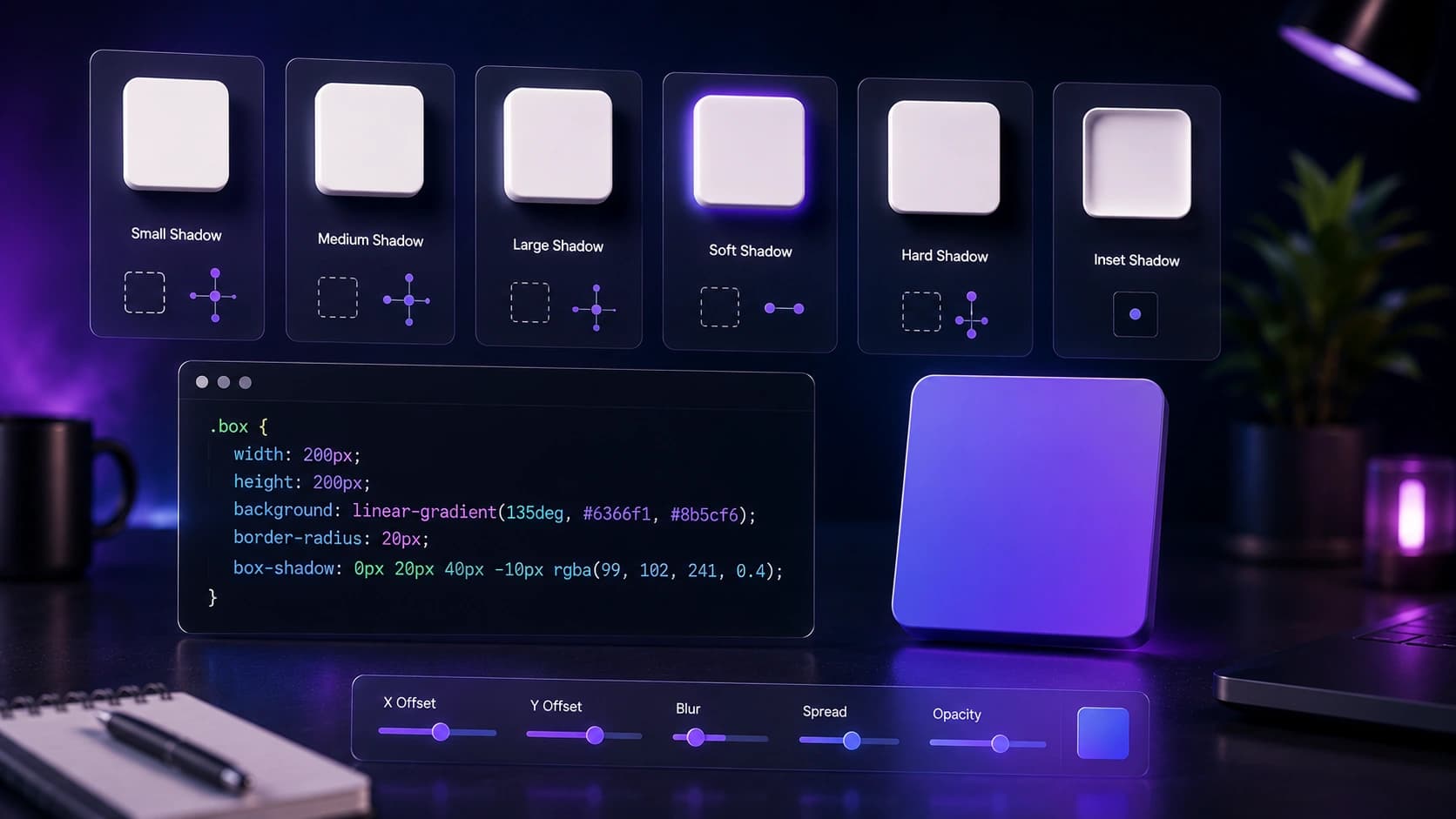
Shadows add depth and hierarchy to UI elements — buttons, cards, modals. The Box Shadow Generator lets you design CSS box shadows visually with sliders for offset, blur, spread, opacity, and color. Start from a preset (Soft, Medium, Large, Sharp, Inner) and adjust until it looks right. Copy the CSS in one click. For detailed guidance, read the CSS box shadow guide.
Background Pattern Generator
Flat backgrounds can feel empty. CSS patterns — dots, grids, diagonal lines, checkerboards, triangles, waves — add texture with zero file size. The Background Pattern Generator creates these patterns with adjustable colors, size, and opacity, then copies the CSS directly into your stylesheet. Read the CSS background patterns guide for when each pattern type works best.
Image and file tools
Image Compressor
A slow-loading site or heavy email attachment undermines the professional impression you are trying to create. The Image Compressor reduces file sizes while letting you preview quality before downloading — and it processes entirely in your browser, so nothing is uploaded anywhere.
Set quality to 80–85% for photos, 70–75% for screenshots. For output format, WebP typically produces a noticeably smaller file than JPEG at equivalent quality. Read the full guide on compressing images without losing quality.
Image Placeholder Generator
Every project needs placeholders while real images are being sourced or approved. The Image Placeholder Generator creates custom SVG or PNG placeholders with your exact dimensions, colors, and label — no external service required, everything stays in your browser. Read how to use image placeholders in web design for a complete workflow.
QR Code Generator
Business cards, flyers, packaging, presentations, and event handouts all benefit from a QR code that links to your site, portfolio, or contact page. The QR Code Generator creates high-resolution codes in seconds — free, no watermark, ready for print. Encode a URL, a Wi-Fi password, or a phone number. Before printing at scale, test the code on two different phones in normal lighting.
Text Case Converter
Inconsistent capitalization is one of the most common signs of unfinished work. The Text Case Converter fixes it in one click: Title Case for headings, sentence case for body text, UPPERCASE, and camelCase or kebab-case for developers. Tiny tool, large return when you are copying text from multiple sources during a publishing day.
The non-designer design checklist
You do not need to become a designer. You need to be consistent. Before you publish or launch anything, run through these seven checks:
- Colors: pick 2–3 and use them everywhere. Generate your palette with the Color Palette Generator.
- Typography: one font for headings, one for body. Find a pairing with the Font Pairing Tool and stick to it.
- Spacing: more white space than you think you need. Crowded layouts look unfinished; spacious ones look deliberate.
- Images: compress everything with the Image Compressor before publishing.
- Background: a subtle gradient from the CSS Gradient Generator or a pattern from the Background Pattern Generator is more interesting than a plain flat color.
- Favicon: generate one with the Favicon Generator — a missing favicon signals an unfinished site.
- Capitalization: run all headlines and labels through the Text Case Converter for consistency.
Double the padding you think you need inside cards, sections, and buttons. Generous white space is the single quickest improvement a non-designer can make.
Recommended workflow for a new web project
- Start with the Color Palette Generator to establish 2–3 brand colors.
- Use the Font Pairing Tool to choose your typography.
- Generate a CSS gradient for your hero section background.
- Add texture with the Background Pattern Generator on secondary sections.
- Use the SVG Blob Generator for organic decorative shapes in your layout.
- Design card and button shadows with the Box Shadow Generator.
- Fill layout gaps during development with the Image Placeholder Generator.
- Create your favicon with the Favicon Generator.
- Compress every image with the Image Compressor before launch.
When to use Figma instead
Design apps like Figma are excellent for complex layout work, component systems, and collaborative design with a team. Use Figma when you need to design multiple pages and keep components in sync, build a design system, or hand off specs to developers. For everything else — a single shadow value, a favicon, a background pattern, a color palette — a dedicated browser tool is faster, cheaper, and requires no login.
- Faster: no app to open, no canvas to set up, no export workflow
- Cheaper: free vs. a recurring subscription for Figma's paid plans
- Shareable: send a teammate a URL, not a Figma component
- Platform-independent: works on any device or operating system
Frequently Asked Questions
Do I need design skills to use these tools?
No. Every tool uses visual controls and live previews so you can make decisions without a design background. The Color Palette Generator and Font Pairing Tool in particular are designed to guide you toward results that work.
Are these tools free?
Yes. All 11 tools are free with no account required for standard use.
Can I use generated assets commercially?
Yes. Favicons, SVG blobs, CSS code, color palettes, gradients, and placeholders you generate are yours for personal and commercial projects without restriction.
Do these tools upload my files?
No. Every tool that handles files processes them locally in your browser. Nothing is sent to Sounez or any third-party server.
Are these better than Figma?
For their specific tasks, yes. Figma is overkill for generating a favicon, a shadow value, or a CSS pattern. These tools are faster for single-purpose jobs and require no login. Use Figma for layout and component design; use these for everything else.
What is the most impactful change a non-designer can make?
Apply a consistent color palette everywhere. Generate one with the Color Palette Generator, copy the hex codes, and paste them into your website, social posts, and documents. Visual consistency does 80% of the work.
Conclusion: consistency is the skill
A polished result is the sum of many small decisions made consistently. Pick a palette with the Color Palette Generator, choose typography with the Font Pairing Tool, add texture with the CSS Gradient Generator or the Background Pattern Generator, finish with a favicon and compressed images. Browse all design tools for more.
Found this article useful?
Written by
Nesou is a web developer and independent creator who built Sounez from scratch in 2024. The site covers practical browser tools for image editing, CSS design, social media publishing, file conversion, and everyday productivity — all written and maintained by a single developer with a focus on privacy-first, account-free tooling. About Sounez · GitHub
Ready to put this into action?
Open Color Palette Generator and try it now. Free, no account needed.