

Sounez
HomeSmart PacksToolsGuidesAboutContact
Sounez

Free tools and Smart Pack workflows for captions, images, PDFs, and small design jobs. Each tool page explains who it helps, how to use it, what to check, and how your data is handled.

Use the outputs as drafts. Check important details before publishing, submitting, printing, or sending.

Popular Tools

  • Background Remover AI
  • Color Palette Generator
  • Hashtag Generator
  • Image Compressor
  • Image Describer
  • Password Generator

Tool Categories

  • Creator Tools
  • Design Tools
  • Utility Tools
  • All Tools

Company

  • About
  • Smart Packs
  • Pack history
  • Guides
  • Contact
  • Privacy Policy
  • Cookie Policy
  • Terms of Service
  • DMCA / Copyright

© 2026 Sounez. Built by Nesou for makers everywhere.

Sounez is supported by advertising. Ads are served by Google AdSense. Privacy Policy

Home / design tools / Font Pairing Tool

Font Pairing Tool

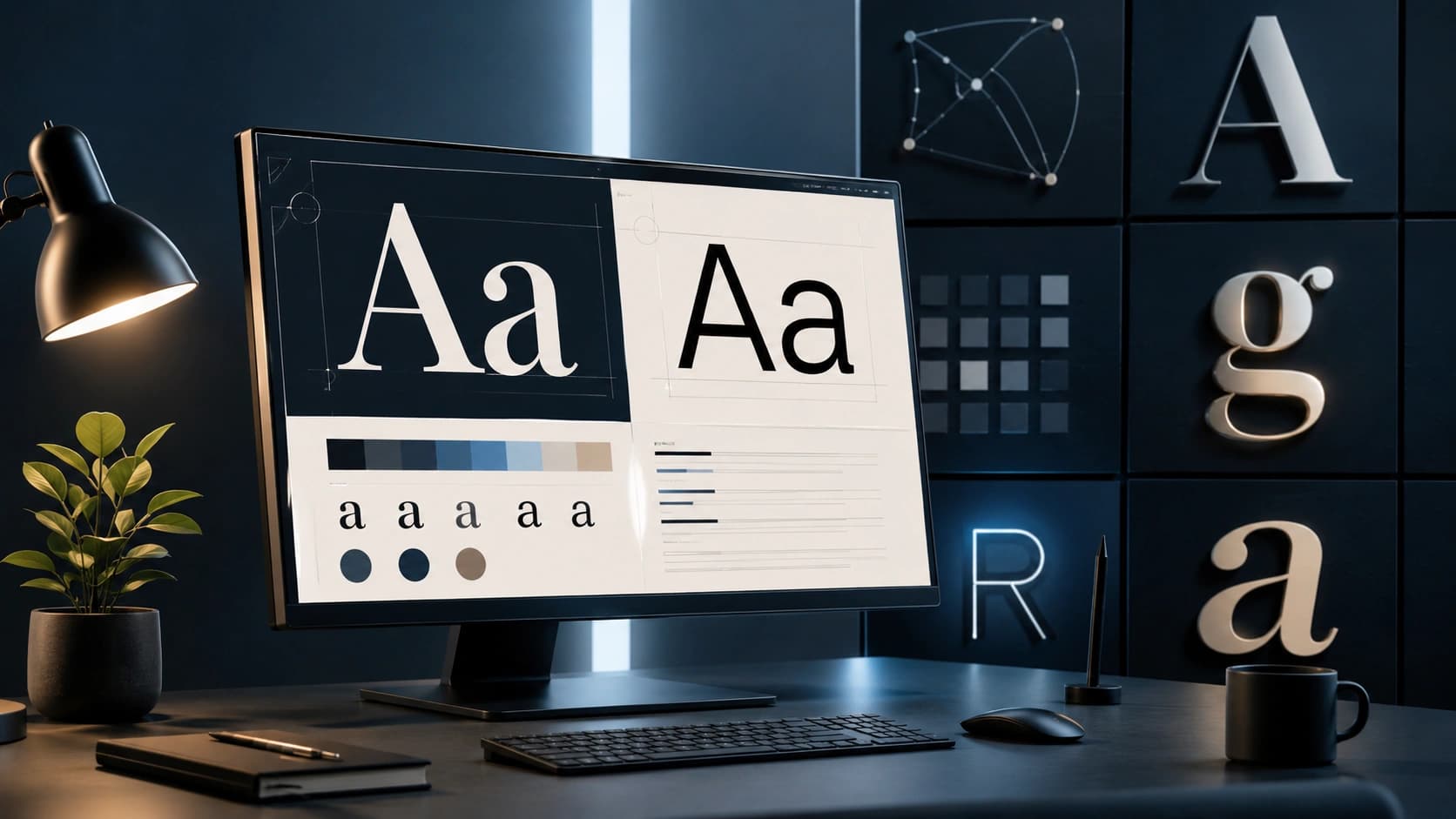
Browse Google Font pairs chosen for headings and body text, then copy the import link.

Design style

Heading, Inter

The quick brown fox jumps

Body, Source Serif 4

Good typography makes reading effortless. The right font pairing creates visual hierarchy and guides the reader through your content naturally.

Get startedLearn more

CSS snippet

/* Heading font */
font-family: 'Inter', sans-serif;

/* Body font */
font-family: 'Source Serif 4', Georgia, serif;

Load fonts from Google Fonts for web use.

What Font Pairing Tool does

Shows live previews of curated font combinations with CSS ready to paste.

Features

Curated pairs

Heading + body combos that read well.

Live preview

See real paragraph text.

CSS copy

Google Fonts import included.

Real examples

Blog

Serif heading + sans body for long reads.

App UI

Geometric sans for both, different weights.

How to use Font Pairing Tool

  1. 1

    Browse styles (modern, editorial, etc.).

  2. 2

    Pick a pair.

  3. 3

    Copy CSS.

  4. 4

    Load fonts in your project.

Who it is for

Developers

Pick fonts without browsing hundreds of pages.

Designers

Quick client mockup typography.

Students

Learn which pairs work together.

Pro tips

  • Limit to two families per site.
  • Test on Android and iOS.

Common mistakes

  • Loading too many weights - slows page.
  • Decorative fonts for body paragraphs.
  • Skipping line-height in CSS.

Privacy note

Preview loads fonts from Google; your choices are not stored on Sounez.

When not to use this tool

Licensed brand fonts not on Google need your own files.

Frequently Asked Questions

Privacy?

Google Fonts CDN applies their policies when browsers fetch fonts.

Self-host?

Download from Google and host yourself if required.

Google Fonts only?

Curated pairs from Google Fonts with ready-to-copy import CSS.

Related tools

Other tools that work well alongside Font Pairing Tool.

Color Palette Generator

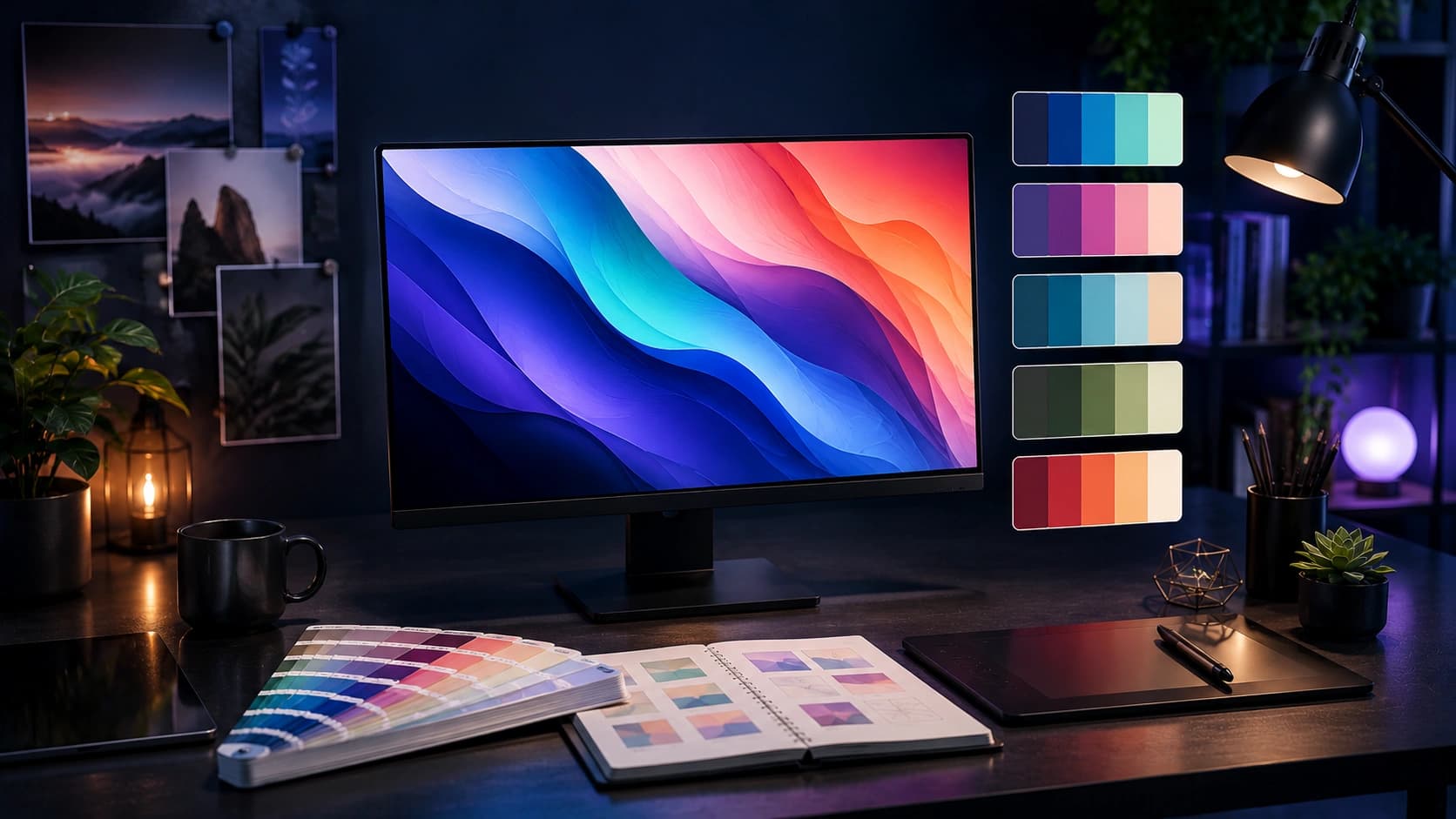
Generate a five-color palette in one click. Tap any swatch to copy the hex code.

Open tool

CSS Gradient Generator

Pick two colors, set an angle, and copy the CSS gradient code straight into your project.

Open tool

Box Shadow Generator

Design CSS box shadows visually with sliders, then copy the code in one click.

Open tool

Background Remover AI

Remove image backgrounds automatically with AI. Upload a photo and get a clean transparent PNG ready for design, products and social media.

Open tool

Background Pattern Generator

Create CSS and SVG background patterns for websites, landing pages and UI mockups.

Open tool

Favicon Generator

Create favicons from text, emoji, colors or an uploaded image and download browser-ready files.

Open tool

Read next on the blog

Practical guides and how-tos from the Sounez blog.

How to Choose Font Pairings for a Website
6 min read
How to Choose Font Pairings for a Website
Free Design Tools for Web Creators
7 min read
Free Design Tools for Web Creators
The Best Color Palettes for Modern Design
7 min read
The Best Color Palettes for Modern Design

Explore more tools

Hashtag Generator
Enter a topic and get a ready-to-copy set of hashtags for Instagram, TikTok and YouTube.
Image Compressor
Compress JPG, PNG and WebP images in your browser. Batch compress up to 20 files, convert formats, resize, and download as ZIP. Processing stays on your device.
Image Describer
Generate alt text, captions, SEO keywords and social media captions from an uploaded image to improve accessibility and content optimization.
Password Generator
Create a strong random password with the length and character types you choose. Runs in your browser.
PDF to Word Converter
Turn a PDF into an editable Word file when you have permission to process it. Upload, convert, download DOCX.
QR Code Generator
Paste a URL or text and download a high-resolution QR code PNG. Free, no account needed.
See all 27 tools, try a Smart Pack, or browse categories.