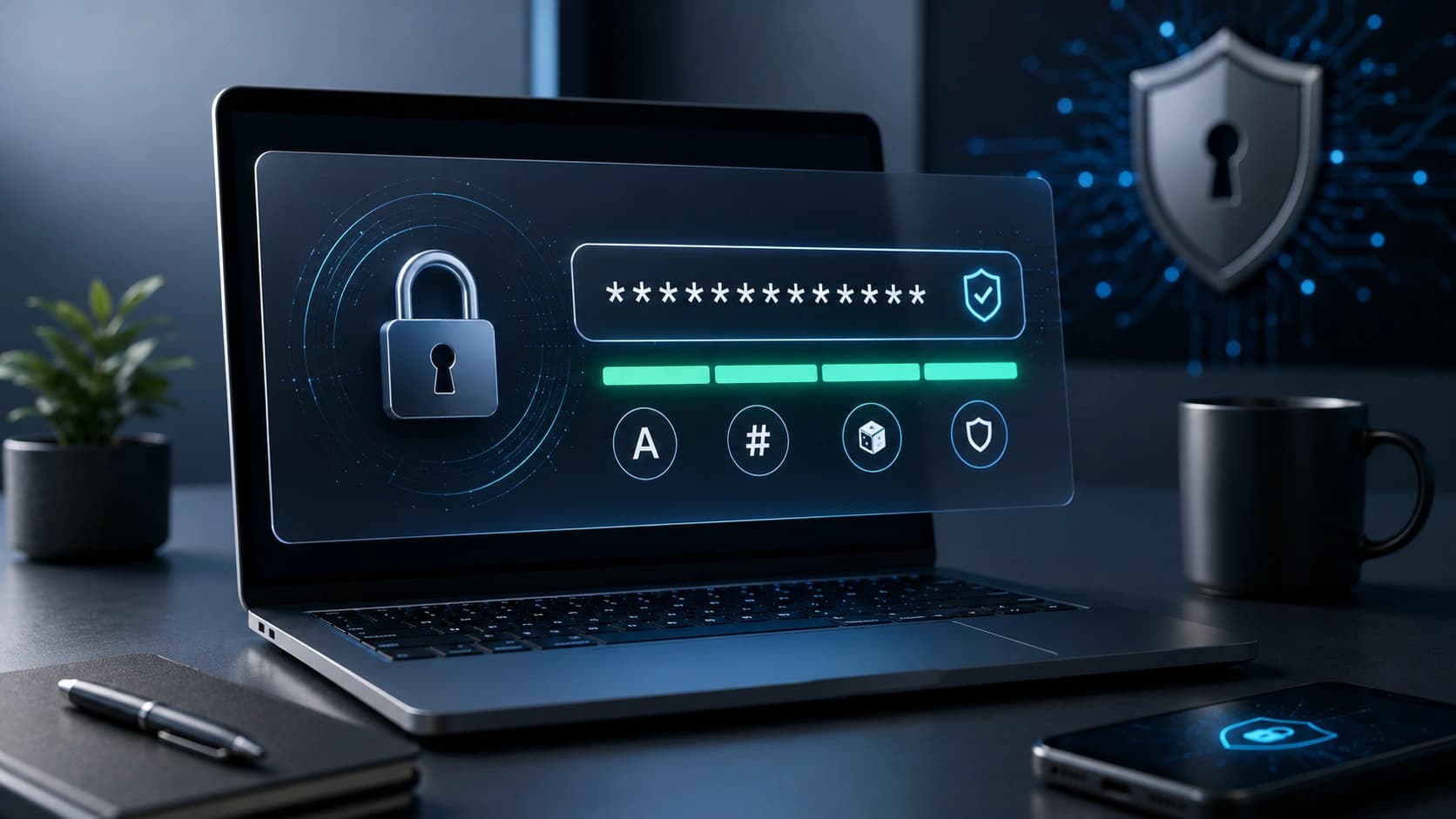


Password Generator
Create a strong, random password with the exact length and character set you need, then copy it directly into your password manager.
StrengthStrong
664

Uses the browser's cryptographic random API to build a password string — more secure than mental patterns or repeated words.
Up to long passphrases.
Symbols, numbers, ambiguous chars off.
One click to clipboard.
16+ chars with symbols for a new Gmail.
Readable passphrase you type once on the router.
Set length and character types.
Generate.
Copy immediately into a password manager.
Do not share by email or chat.
Replace reused passwords quickly.
Generate temp passwords for family or clients.
Demo accounts and test fixtures.
Passwords are generated entirely in your browser using the Web Crypto API. The generated string is never sent to Sounez servers, never logged, and never stored. It exists only in your browser until you copy it.
Not designed for memorized PINs you type frequently — for those, use a passphrase you can remember or a manager with autofill. This tool creates random strings optimized for storage in a password manager, not memorization.
It uses the browser's built-in crypto.getRandomValues() API, which provides cryptographically strong randomness suitable for security purposes. This is significantly more random than Math.random() used in less secure generators.
No. The generated password exists only in your browser tab. Sounez never receives or logs it. Copy it directly into your password manager immediately after generating — if you close the tab, the password is gone.
Yes — toggle off ambiguous characters (like 0 and O, or 1 and l) if you need to type the password manually or if a specific site rejects certain characters.
A few tools that naturally pair with Password Generator.
Paste text and convert it to UPPERCASE, lowercase, Title Case, camelCase, kebab-case or snake_case.
Open toolPaste a URL or text and download a high-resolution QR code PNG. Free, no account needed.
Open toolPaste your text and see word count, character count, sentence count and reading time right away.
Open toolPractical guides and how-tos from the Sounez blog.
Create a strong, random password with the exact length and character set you need, then copy it directly into your password manager.