
Background Remover AI
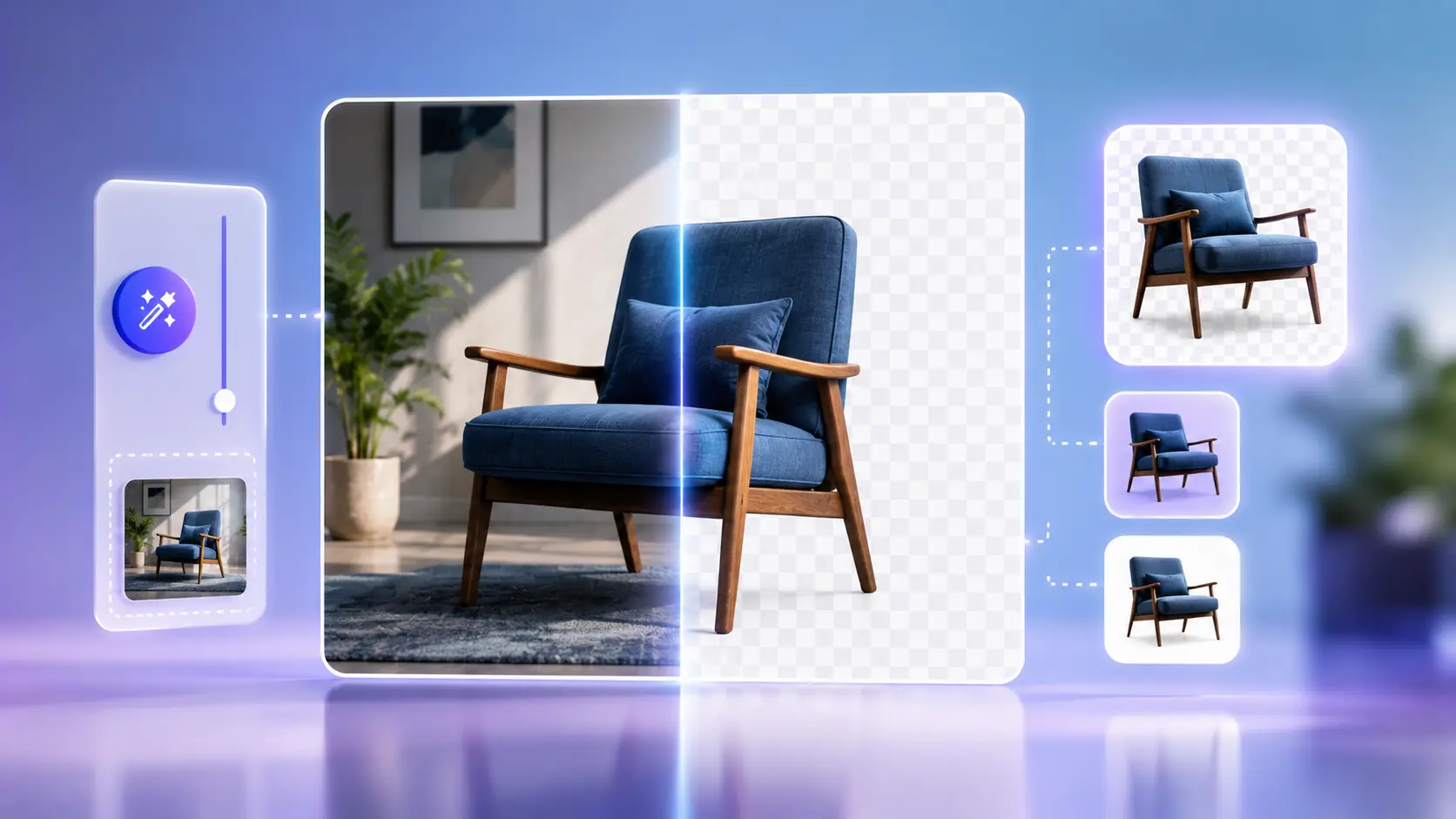
Cut out a person, product, or object and download a PNG with a transparent background - processing stays on your device.
Only upload images you own or have the right to use.
Drop your image here, or click to browse
PNG, JPG, JPEG, WEBP - maximum 10 MB
What Background Remover AI does
Runs an on-device AI model in your browser to separate the subject from the background.
Features
On-device AI
Image bytes stay in your browser; models load from a CDN.
PNG output
Transparency preserved for design tools.
Optional fill
Add white, black, or a custom colour behind the subject.
Real examples
Product on a table
Isolate a mug and place it on a plain shop background.
Headshot
Remove a messy room for a LinkedIn banner.
How to use Background Remover AI
- 1
Upload PNG, JPG, or WEBP (max 10 MB).
- 2
Preview the image.
- 3
Run removal and check edges.
- 4
Download PNG or add a solid background.
Who it is for
Shop owners
White or transparent product shots for marketplaces.
Designers
Quick cutouts for composites and mockups.
Creators
Thumbnails and stickers without a green screen.
Pro tips
- Shoot subjects with clear edges when you can.
- Zoom to check hair before publishing.
Common mistakes
- Using low-contrast backgrounds with hair detail.
- Expecting perfect edges on glass or fine mesh.
- Saving as JPEG when you need transparency.
Privacy note
Processing happens locally. Model files download from the configured CDN; your image is not uploaded to Sounez.
When not to use this tool
Skip busy crowd photos or images you do not have rights to edit.
Frequently Asked Questions
Does it upload my photo?
No. Removal runs in your browser.
Why is the first run slow?
The AI model downloads once, then later runs are faster.
Which file types work?
PNG, JPG, and WEBP up to 10 MB on most devices.
Need several assets at once?
Try the SEO Image Pack to generate matching fields from one brief - then refine with Background Remover AI if needed.
Open Smart PackRelated tools
Other tools that work well alongside Background Remover AI.
Image Compressor
Compress JPG, PNG and WebP images in your browser. Batch compress up to 20 files, convert formats, resize, and download as ZIP. Processing stays on your device.
Open toolPNG to JPG Converter
Drop a PNG and convert it to JPG right in your browser. Pick a quality level and download instantly.
Open toolImage Describer
Generate alt text, captions, SEO keywords and social media captions from an uploaded image to improve accessibility and content optimization.
Open toolColor Palette Generator
Generate a five-color palette in one click. Tap any swatch to copy the hex code.
Open toolBackground Pattern Generator
Create CSS and SVG background patterns for websites, landing pages and UI mockups.
Open toolBox Shadow Generator
Design CSS box shadows visually with sliders, then copy the code in one click.
Open toolRead next on the blog
Practical guides and how-tos from the Sounez blog.


