


Image Describer
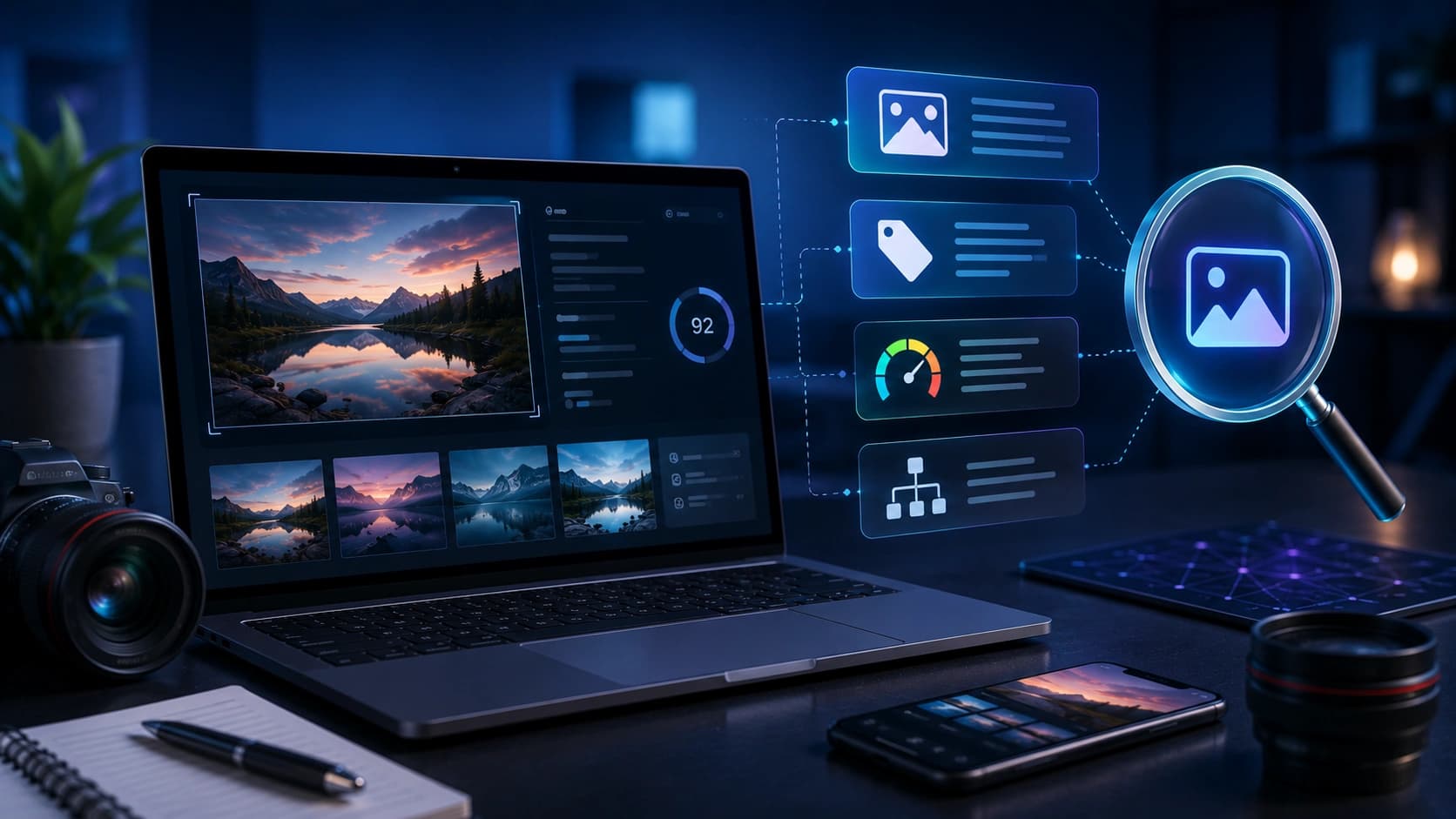
Upload a photo and get alt text, captions, keywords, and a short social line - then edit anything that is not quite right.
Only upload images you own or have the right to use. Uploaded images are sent securely to our server for AI analysis.
Drop your image here, or click to browse
PNG, JPG, JPEG, WEBP, GIF - maximum 10 MB
What Image Describer does
Sends your image to our AI vision service and returns several text fields for accessibility and SEO.
Features
Multiple outputs
Alt text, short caption, long description, keywords, social line.
Tone switch
Accessibility, SEO, descriptive, or social-focused drafts.
Copy buttons
Paste into CMS, Shopify, or your scheduler.
Real examples
Product hero
SEO tone -> alt text + keywords for a kettle listing.
Event photo
Social tone -> caption with a natural CTA.
How to use Image Describer
- 1
Upload an image up to 10 MB.
- 2
Pick a tone.
- 3
Generate and read each field.
- 4
Copy, edit, and publish.
Who it is for
Bloggers
Write alt text without guessing what search engines need.
Store managers
Describe product photos consistently.
Social teams
Draft a caption when the designer only sent an image.
Pro tips
- Accessibility tone for informative images; keep alt under ~125 characters when possible.
- Match keywords to visible content only.
Common mistakes
- Publishing alt text you did not verify against the image.
- Keyword stuffing inside alt attributes.
- Uploading private documents as images.
Privacy note
Images are sent securely for analysis and are not kept after the response.
When not to use this tool
Avoid ID cards, medical images, or anything you would not share with a processor.
Frequently Asked Questions
Can I use the text commercially?
Yes, after you edit it - you are responsible for accuracy.
Is it always correct?
No. AI can miss context; always review.
Can I change the tone?
Yes - pick accessibility, SEO, descriptive, or social-focused output.
Need several assets at once?
Try the SEO Image Pack to generate matching fields from one brief - then refine with Image Describer if needed.
Open Smart PackRelated tools
Other tools that work well alongside Image Describer.
Image Compressor
Compress JPG, PNG and WebP images in your browser. Batch compress up to 20 files, convert formats, resize, and download as ZIP. Processing stays on your device.
Open toolAI Caption Generator
Paste a photo description or topic and get engaging captions for Instagram, TikTok or LinkedIn in one click.
Open toolHashtag Generator
Enter a topic and get a ready-to-copy set of hashtags for Instagram, TikTok and YouTube.
Open toolTikTok Money Calculator
See what your TikTok account could earn per sponsored post based on your followers and engagement.
Open toolYouTube Tags Generator
Type a keyword and get 25 ready-to-paste YouTube tags that help your video show up in search.
Open toolBio Generator
Describe yourself in a few words and get a polished social media or professional bio in seconds.
Open toolRead next on the blog
Practical guides and how-tos from the Sounez blog.


