

Sounez
HomeSmart PacksToolsGuidesAboutContact
Sounez

Free tools and Smart Pack workflows for captions, images, PDFs, and small design jobs. Each tool page explains who it helps, how to use it, what to check, and how your data is handled.

Use the outputs as drafts. Check important details before publishing, submitting, printing, or sending.

Popular Tools

  • Background Remover AI
  • Color Palette Generator
  • Hashtag Generator
  • Image Compressor
  • Image Describer
  • Password Generator

Tool Categories

  • Creator Tools
  • Design Tools
  • Utility Tools
  • All Tools

Company

  • About
  • Smart Packs
  • Pack history
  • Guides
  • Contact
  • Privacy Policy
  • Cookie Policy
  • Terms of Service
  • DMCA / Copyright

© 2026 Sounez. Built by Nesou for makers everywhere.

Sounez is supported by advertising. Ads are served by Google AdSense. Privacy Policy

Home / utility tools / Image Compressor

Image Compressor

Shrink JPG, PNG, or WebP files in your browser before uploading to a site, shop, or email.

Only upload images you own or have the right to use.

Drag images here, or

JPG, PNG, WebP up to 20 files

Processed in your browser. No upload.

What Image Compressor does

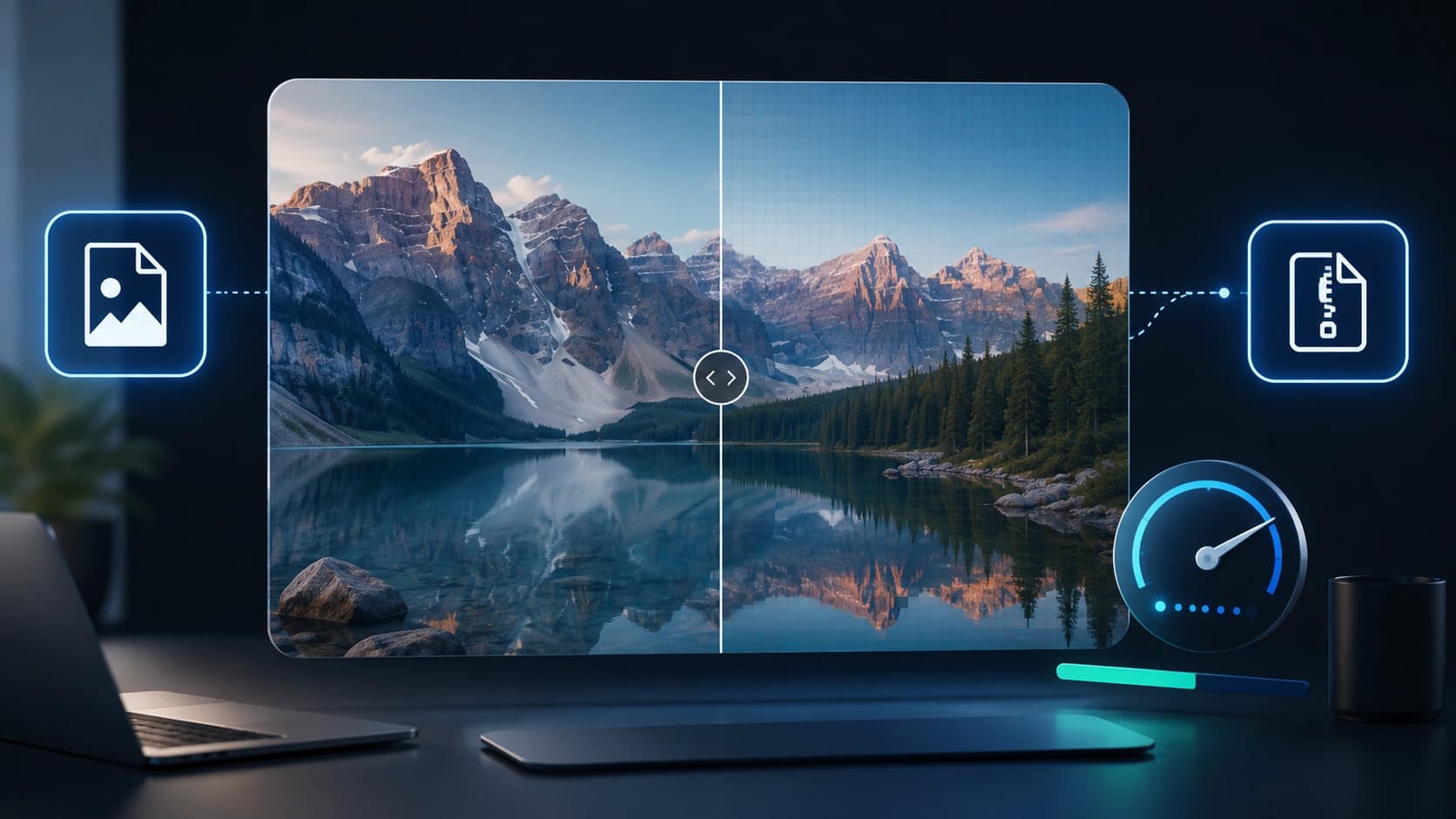
Re-encodes images with your quality setting, optional resize, and optional format change.

Features

Batch up to 20

Compress many files, ZIP download.

Quality slider

Trade size vs detail.

Format convert

WebP often smallest for photos.

Real examples

Hero JPEG

2.4 MB -> ~400 KB at 80% quality.

Shop grid

12 PNGs -> WebP batch for upload.

How to use Image Compressor

  1. 1

    Add images.

  2. 2

    Set quality and optional max width.

  3. 3

    Compress.

  4. 4

    Download singles or ZIP.

Who it is for

Bloggers

Faster pages without visible blur on photos.

Sellers

Batch product shots under marketplace limits.

Anyone emailing photos

Stay under attachment size caps.

Pro tips

  • Try WebP for photos, PNG for flat graphics.
  • Resize width to 1200px for blog heroes.

Common mistakes

  • Quality below 50% on portraits.
  • JPEG for logos needing transparency.
  • Re-compressing already tiny files.

Privacy note

Compression runs locally; images are not uploaded.

When not to use this tool

RAW files, animated GIFs, or print CMYK workflows need other tools.

Frequently Asked Questions

Max size?

Very large files may be slow; most under 25 MB work.

WebP support?

All modern browsers accept WebP uploads.

Batch compress?

Up to 20 images with optional ZIP download.

Need several assets at once?

Try the SEO Image Pack to generate matching fields from one brief - then refine with Image Compressor if needed.

Open Smart Pack

Related tools

Other tools that work well alongside Image Compressor.

PNG to JPG Converter

Drop a PNG and convert it to JPG right in your browser. Pick a quality level and download instantly.

Open tool

Image Describer

Generate alt text, captions, SEO keywords and social media captions from an uploaded image to improve accessibility and content optimization.

Open tool

Background Remover AI

Remove image backgrounds automatically with AI. Upload a photo and get a clean transparent PNG ready for design, products and social media.

Open tool

Password Generator

Create a strong random password with the length and character types you choose. Runs in your browser.

Open tool

PDF to Word Converter

Turn a PDF into an editable Word file when you have permission to process it. Upload, convert, download DOCX.

Open tool

QR Code Generator

Paste a URL or text and download a high-resolution QR code PNG. Free, no account needed.

Open tool

Read next on the blog

Practical guides and how-tos from the Sounez blog.

Image Optimization Checklist: Compress, Convert, Rename and Describe Images
8 min read
Image Optimization Checklist: Compress, Convert, Rename and Describe Images
How to Compress Images Without Losing Quality
5 min read
How to Compress Images Without Losing Quality
Image SEO: The Complete Guide to Ranking Your Images on Google
6 min read
Image SEO: The Complete Guide to Ranking Your Images on Google

Explore more tools

Color Palette Generator
Generate a five-color palette in one click. Tap any swatch to copy the hex code.
Hashtag Generator
Enter a topic and get a ready-to-copy set of hashtags for Instagram, TikTok and YouTube.
TikTok Money Calculator
See what your TikTok account could earn per sponsored post based on your followers and engagement.
YouTube Tags Generator
Type a keyword and get 25 ready-to-paste YouTube tags that help your video show up in search.
AI Caption Generator
Paste a photo description or topic and get engaging captions for Instagram, TikTok or LinkedIn in one click.
Background Pattern Generator
Create CSS and SVG background patterns for websites, landing pages and UI mockups.
See all 27 tools, try a Smart Pack, or browse categories.