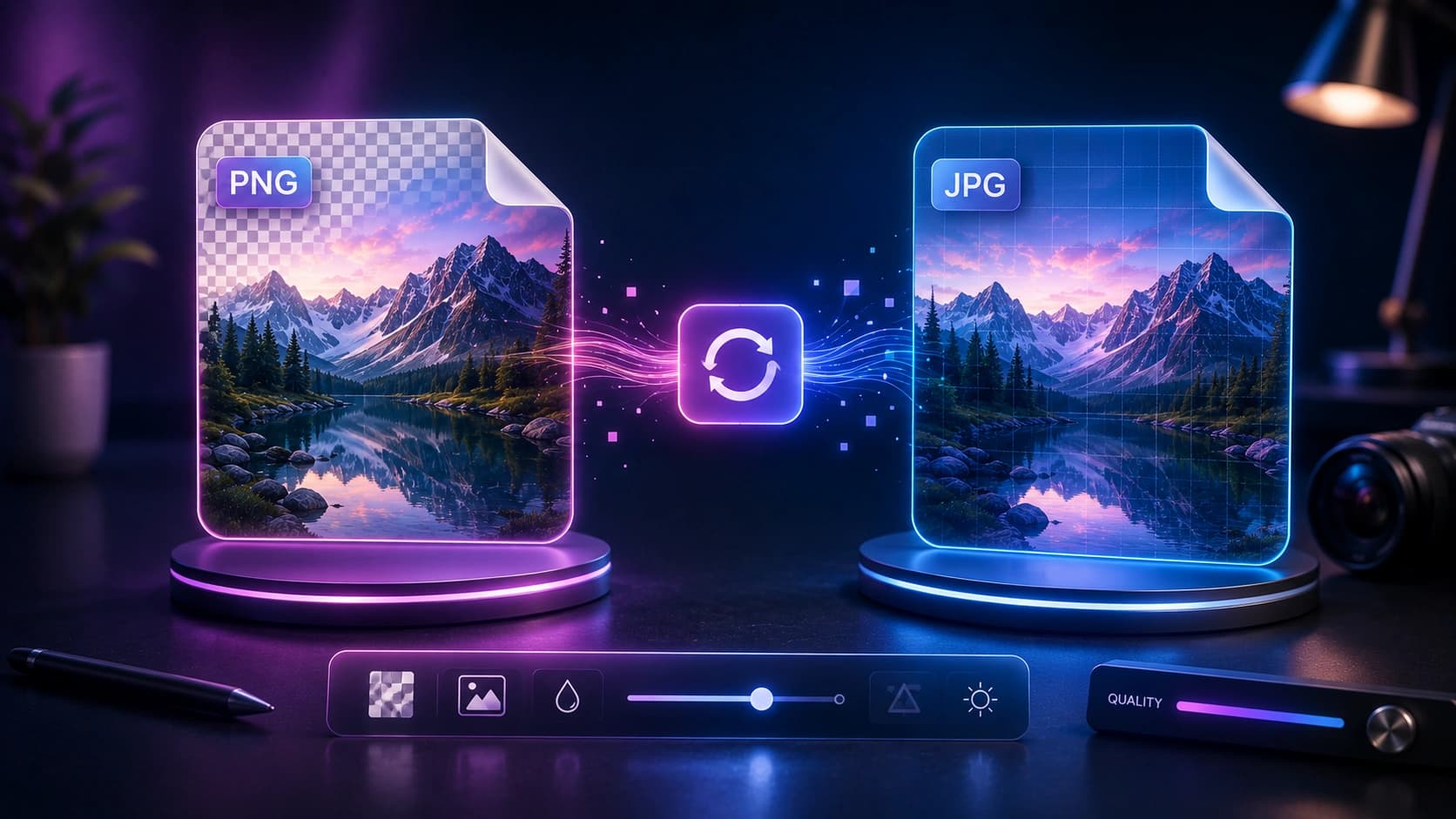
PNG to JPG Converter

Convert PNG images to JPG when you need a smaller file and do not need transparency.

Only upload images you own or have the right to use.

Drop your PNG files here

Any number of files, or click to browse

What PNG to JPG Converter does

Re-encodes PNG pixels to JPEG in your browser with a quality setting.

Features

Quality control

Balance size and artefacts.

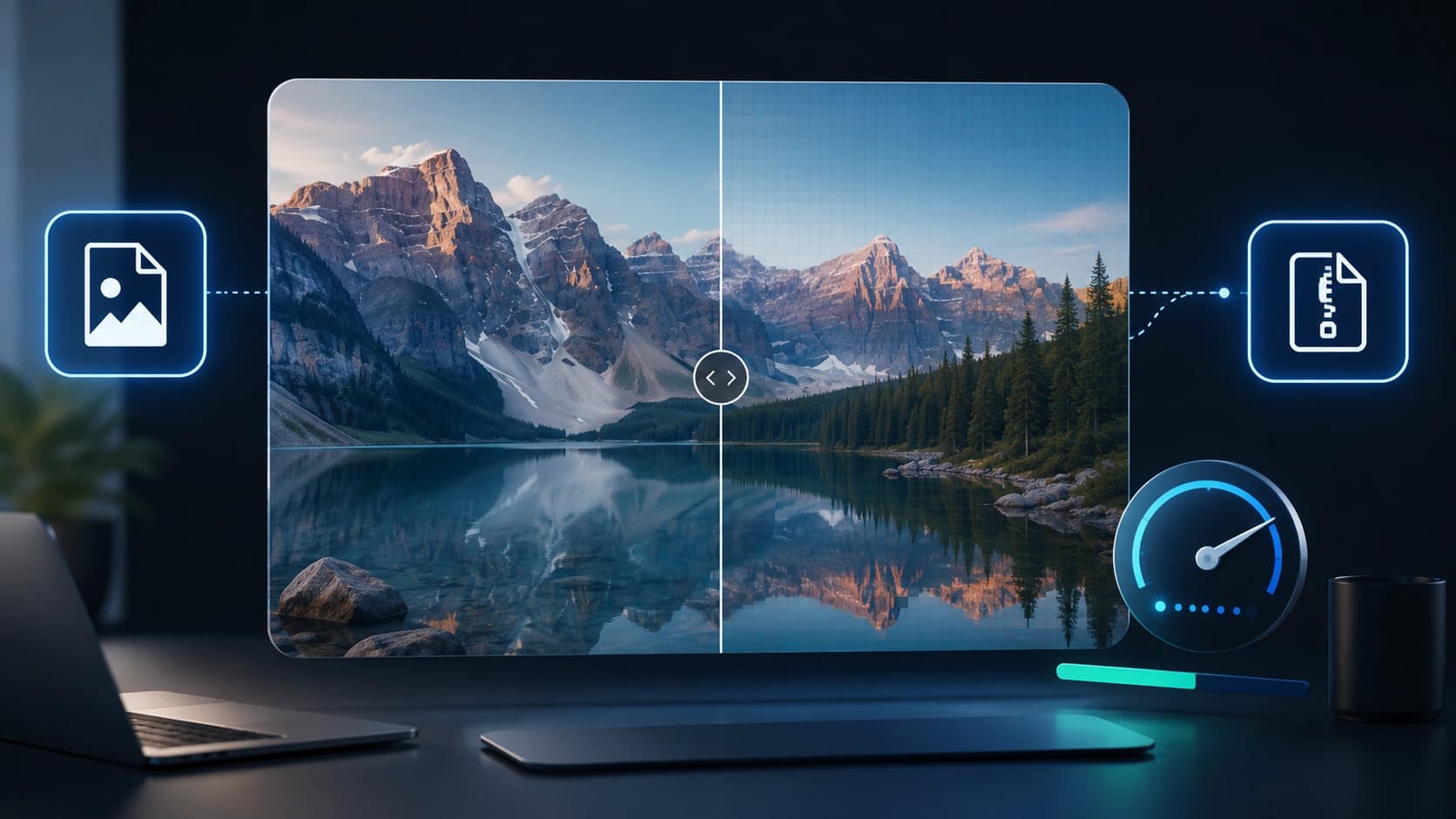
Preview

Check before download.

Local

No upload to Sounez.

Real examples

Screenshot

UI capture PNG -> JPG for a blog post.

Photo export

Drop transparency, save 40% size.

How to use PNG to JPG Converter

  1. 1

    Upload PNG.

  2. 2

    Set quality.

  3. 3

    Convert.

  4. 4

    Download JPG.

Who it is for

Web publishers

Smaller assets for photo content.

Email

Shrink screenshots without ZIP.

Archivers

Batch-friendly single files.

Pro tips

  • Use 85% for photos, higher for text-heavy images.
  • Keep originals archived.

Common mistakes

  • Converting logos with transparency - backgrounds turn white.
  • Quality 30% on text screenshots.

Privacy note

Processed locally in your browser.

When not to use this tool

Keep PNG when you need alpha (logos, icons).

Frequently Asked Questions

Transparency?

Lost in JPG - use PNG or WebP instead.

Batch?

Convert one at a time on this page.

Quality slider?

Yes - lower quality means smaller files and more visible artefacts.

Need several assets at once?

Try the SEO Image Pack to generate matching fields from one brief - then refine with PNG to JPG Converter if needed.

Open Smart Pack

Related tools

Other tools that work well alongside PNG to JPG Converter.

Read next on the blog

Practical guides and how-tos from the Sounez blog.

Explore more tools

See all 27 tools, try a Smart Pack, or browse categories.