How to Create a Strong Password You'll Actually Remember
Passwords are still the single weakest link in most people's digital lives. The average person reuses three or four passwords across dozens of sites. The moment one site gets breached — and they always eventually do — attackers run those credentials against every other major service: banks, email, social, cloud storage. This is called credential stuffing, and it works terrifyingly often.
The fix isn't memorizing 50 different complex passwords. It's a simple three-part system that anyone can adopt in under an hour.
How attackers actually crack passwords
Understanding attack methods helps you understand why certain password advice matters more than other advice. The most common attacks are:
- Credential stuffing: Attackers take leaked username/password pairs from one breach and try them on hundreds of other services automatically. It succeeds because people reuse passwords. A unique password per site is the only defense.
- Brute-force attacks: Software tries every possible combination of characters. Short passwords — even complex ones — fall quickly. An 8-character password with numbers and symbols can be cracked in under an hour on a modern GPU. A 16-character random password would take billions of years.
- Dictionary attacks: Programs try common words, phrases and known password patterns (
Password1!,qwerty123,Summer2024!). These fail against truly random passwords. - Phishing: You are tricked into entering your password on a fake site. No password complexity helps here — 2FA does.
- Data breaches: The site itself is compromised and passwords are leaked. If your password is hashed strongly, a long random password is hard to reverse even from a leaked hash.
Why "complex" passwords aren't the answer
For decades, advice was: "use uppercase, lowercase, numbers and symbols." That's outdated. Modern attackers use GPU rigs that crack short complex passwords (P@ssw0rd1!) in seconds. What they can't crack quickly is length. NIST's Digital Identity Guidelines now recommend length over complexity — a shift from the old rules. A 20-character random password is exponentially harder to crack than a 10-character complex one.
Length beats complexity. A 20-character passphrase is stronger than 12 random symbols.
Step 1: Use a generator for every account
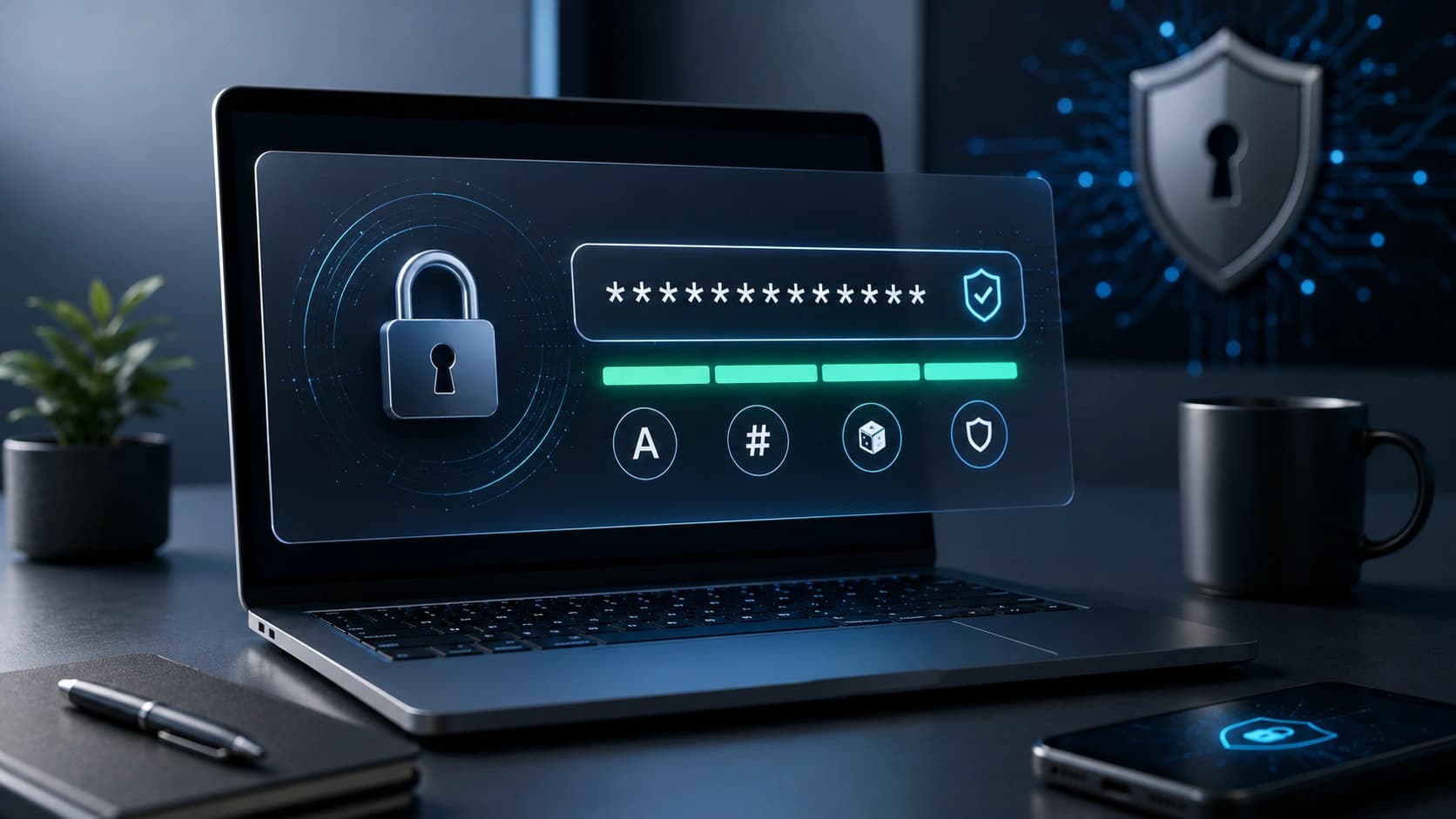
Stop inventing passwords in your head. Create a unique password for every single account with the Password Generator. Aim for 20+ characters with mixed case, numbers and symbols. Generation takes one second; the security gain is permanent.
What to generate for different accounts:
- Critical accounts (email, banking, password manager): 24+ characters, maximum complexity
- Regular accounts (social media, shopping, SaaS tools): 18-20 characters with numbers and symbols
- Low-risk accounts (throwaway newsletters, trial accounts): 16 characters, still unique
The key rule: never reuse. A password used on two sites is effectively a password used on neither safely.
Step 2: Store them in a password manager
No one can memorize 100 unique 20-character passwords. A password manager does it for you. Your vault is encrypted with your master password — even the company running the service cannot read your passwords.
- 1Password: best for families and teams. Polished apps on every platform.
- Bitwarden: best free option, open source. Self-hostable for the privacy-conscious.
- Apple Keychain: perfect if you live entirely in Apple's ecosystem.
- Google Password Manager: convenient if you use Chrome and Android across all your devices.
- Your browser's built-in manager: a good starting point, but weaker cross-platform support.
Your master password — the one that unlocks the vault — should be the strongest password you have and one you actually know by heart. This is where the passphrase method below becomes essential.
Step 3: Enable two-factor authentication (2FA) everywhere
Two-factor authentication means an attacker needs both your password and a second factor (a code from your phone, a hardware key) to get in. Even if your password is leaked, 2FA stops most automated attacks cold.
Prioritize 2FA in this order:
- Email — this is the master key to everything else. Protect it first.
- Banking and finance
- Cloud storage (Google Drive, iCloud, Dropbox)
- Social accounts
- Password manager itself
- Everything else
The safest 2FA methods ranked: hardware keys (YubiKey) > authenticator apps (Google Authenticator, Authy, 1Password's built-in TOTP) > SMS codes. SMS is better than nothing, but vulnerable to SIM-swapping attacks. Use an authenticator app whenever a service offers it.
The passphrase trick: strong AND memorable
For the few passwords you do need to memorize — your password manager master password, your computer login, your email account — use a passphrase: 4-5 random words strung together with separators. Something like copper-violin-marshmallow-dolphin-72 is both extremely strong and surprisingly easy to remember because your brain can form a mental image of it.
Why passphrases work: each additional word multiplies the search space exponentially. "copper-violin-marshmallow-dolphin-72" at 37 characters is vastly stronger than any 12- or even 16-character complex password. Need to convert it to a specific case format? The Text Case Converter handles it instantly.
What to do if your password has been leaked
Data breaches happen constantly. Here is the correct response when you discover yours:
- Change the leaked password on the affected site immediately.
- Change it on every other site where you used the same password (this is why reuse is so dangerous).
- Check haveibeenpwned.com to see which breach exposed you and how old it is.
- Enable 2FA on the affected account if you haven't already.
- Watch for phishing emails that reference the breach — attackers send targeted phishing after major leaks.
Password security mistakes to stop making today
- Using personal information: Name, birthday, pet's name, city. All guessable from your social profiles.
- Keyboard patterns:
qwerty,123456,asdfgh. These are in every dictionary attack list. - Incremental updates:
Password1→Password2. Attackers know about this pattern. - Sharing passwords: Use your password manager's secure sharing feature instead. It lets you share without revealing the actual password.
- Saving passwords in plain text: Notes apps, spreadsheets, sticky notes. Use a password manager.
Frequently Asked Questions
How long should a password be?
Aim for 16+ characters with mixed case, numbers and symbols, generated, not invented. For the few you memorize (master passwords), use 20+ character passphrases.
Are password managers safe?
Yes. Modern managers encrypt your vault with your master password, so even the company can't read it. The biggest risk is a weak master password, so make that one count.
What's the safest 2FA method?
Hardware keys (YubiKey) > authenticator apps > SMS. Avoid SMS where you can — it is vulnerable to SIM-swapping attacks.
How often should I change my passwords?
Modern advice: only when there's a breach. Forced rotation just makes people choose weaker passwords. Generate strong ones with the Password Generator and leave them alone.
What is credential stuffing?
Credential stuffing is when attackers take leaked username and password pairs from one breach and automatically try them on hundreds of other services. It works because most people reuse passwords. Unique passwords for every site are the only defense.
What should I do if my password has been leaked?
Change the leaked password immediately, then change it on every site where you used the same credentials. Check haveibeenpwned.com to identify the breach. Enable 2FA on the affected account.
Conclusion: three steps to never worry again
Generate, store, enable 2FA. That's the whole system. Open the Password Generator right now, install a password manager before you close this tab, and turn on 2FA on your email tonight. Future you — the one who doesn't have to deal with a hacked account — will thank you.
Found this article useful?
Written by
Nesou is a web developer and independent creator who built Sounez from scratch in 2024. The site covers practical browser tools for image editing, CSS design, social media publishing, file conversion, and everyday productivity — all written and maintained by a single developer with a focus on privacy-first, account-free tooling. About Sounez · GitHub
Ready to put this into action?
Open Password Generator and try it now. Free, no account needed.