QR Code Generator
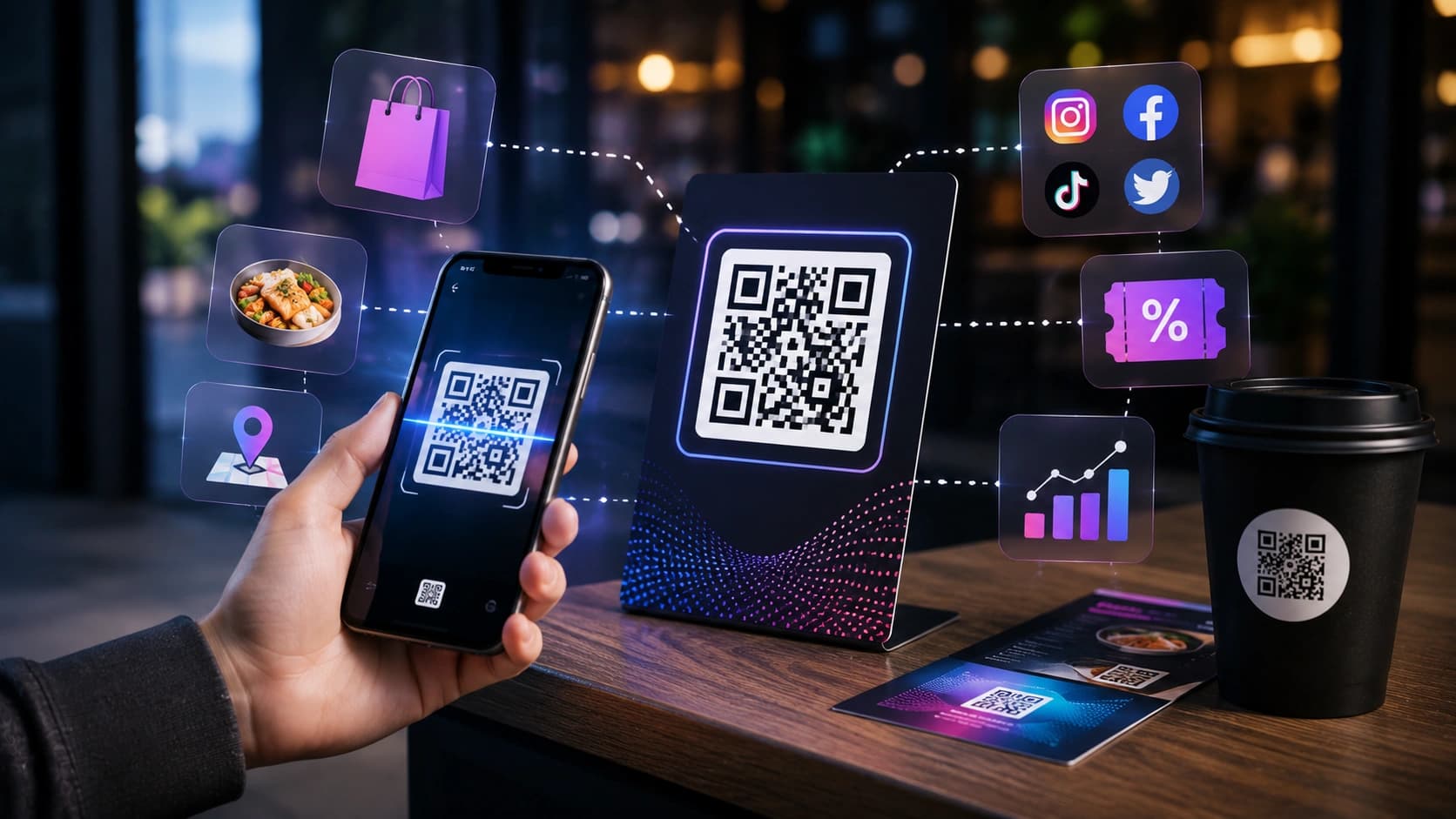
Type a link or text and download a PNG QR code — handy for menus, event flyers, Wi-Fi credentials, and quick device-to-device link transfers.
Quick examples
Export size
Preview
Export: 256x256px

Renders a QR image in your browser from the URL or text you enter, with live preview, brand color options, and PNG download.
Updates as you type.
Brand colors within readable contrast.
512px option for print.
WIFI:T:WPA;S:Guest;P:password;; format for guest network.
https://yoursite.com/menu-table-4 for table tents.
Paste URL or text.
Check preview scans on your phone.
Adjust size and colors.
Download PNG.
Link to menus or Google reviews on tables.
Check-in URLs on posters.
Test deep links on a phone.
QR codes are generated entirely in your browser. Sounez does not receive the URL or text you encode. Nothing is sent to a server, stored, or logged.
Do not point public QR codes at staging login pages, private documents, or internal admin URLs that should not be accessible to the general public.
The generated image is static and does not expire. However, the destination URL or content must stay live. If the linked page goes offline or moves, the code will stop working.
Yes. QR codes you generate are free to use in any commercial context — printed materials, product packaging, marketing campaigns, or client projects — with no attribution required.
Yes — pick foreground and background colors, but maintain high contrast so phone cameras can reliably scan the code. Test the colored version on at least two different phones before printing at scale.
Try the Business Launch Pack to generate matching fields from one brief - then refine with QR Code Generator if needed.
Open Smart PackA few tools that naturally pair with QR Code Generator.
Paste your text and see word count, character count, sentence count and reading time right away.
Open toolCreate a strong random password with the length and character types you choose. Runs in your browser.
Open toolCreate favicons from text, emoji, colors or an uploaded image and download browser-ready files.
Open toolPractical guides and how-tos from the Sounez blog.
Type a link or text and download a PNG QR code — handy for menus, event flyers, Wi-Fi credentials, and quick device-to-device link transfers.
Quick examples
Export size
Preview
Export: 256x256px