How to Use QR Codes for Marketing (Without Looking Cheap)
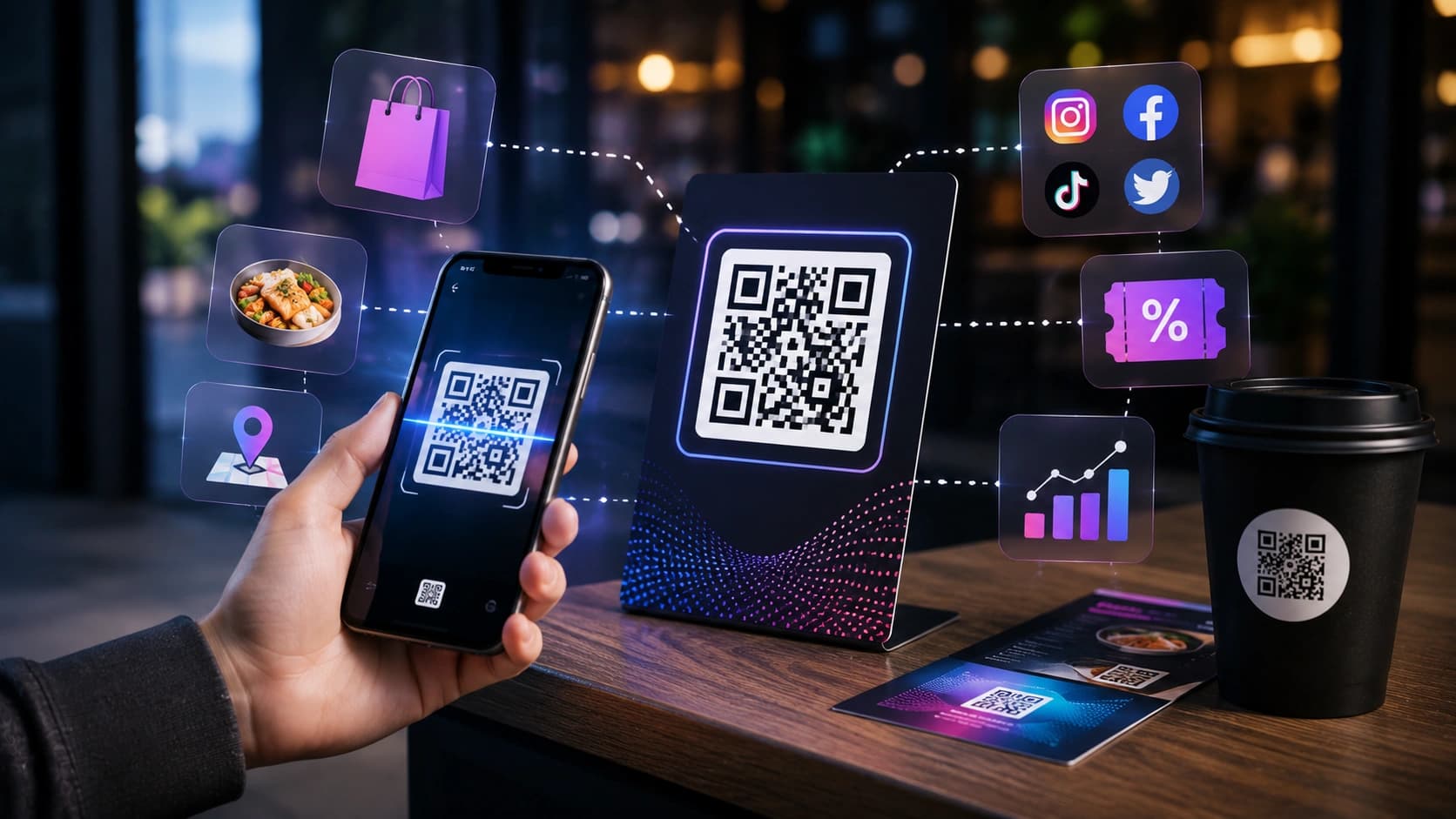
QR codes had a rough decade. They were clunky, required a separate app, and felt like a desperate attempt to bridge print and digital. Then the pandemic happened, every phone got a native scanner, and suddenly QR codes became the fastest way to move someone from the physical world to your digital one.
Done right, a well-placed QR code is a legitimate marketing tool. A poorly placed one still looks cheap. Here's the difference.
Where QR codes actually work
The best QR code placements share one thing: the person scanning has a clear reason to do so and a working phone in their hand.
- Business cards: link to your portfolio, LinkedIn, or a contact page. Far more useful than a URL that's too long to type.
- Product packaging: link to setup guides, warranty registration, or a loyalty program. Reduces support tickets and builds a direct customer relationship.
- Event badges and lanyards: link to your speaker bio, slide deck, or social profile. Networking at scale.
- Posters and flyers: link to a ticket page, RSVP form, or playlist. Always include a short URL too, since not everyone will scan.
- Restaurant menus: the pandemic use case that stuck. Link to the full menu, allergen info, or an ordering system.
- YouTube end screens and thumbnails: link to a newsletter signup or Discord. Converts passive viewers into owned-audience members.
Where QR codes fail
- Billboards and moving vehicles: nobody can scan a QR code at 70 mph.
- Digital screens: linking from one screen to another screen is almost always worse than a clickable link.
- Without context: a QR code with no label is a trust problem. Always tell people what they're scanning into.
A QR code without a label is a trust problem. Always tell people where it leads.
The anatomy of a good QR code placement
Every effective QR code placement has four elements. Most failures come from skipping at least one of them.
- A clear call to action: "Scan to get the free guide" beats a naked QR code every time. The label removes the cognitive friction of deciding whether to scan. People are less likely to scan something that does not immediately tell them what they will get. Keep it to 5-7 words and make the benefit obvious — "Scan for 10% off" works; "Scan here" does not.
- A short URL fallback: not everyone will scan, and that is fine. A short, readable URL like "sounez.com/guide" gives a second path for people who prefer to type. It also signals that the destination is real and not hiding behind an opaque code. If your URL is long, use a shortener like Short.io or Bitly before encoding.
- Enough white space (quiet zone) around it: scanners need a clear margin, called a quiet zone, of at least 4 modules (the small squares that make up the code) on all sides. Crowding the code with text, other graphics, or a tight crop will cause scan failures. The ISO 18004 standard recommends a quiet zone of at least 4× the module size. When in doubt, leave more space than you think is necessary.
- A destination worth visiting: the QR code is only as good as the page it leads to. A slow, mobile-unfriendly landing page wastes every scan. Test the destination on a phone before printing anything. The page should load in under 3 seconds on a mobile connection, have a clear headline that matches the call to action, and not immediately ask for personal information before delivering on the promise.
Real campaign examples
Seeing how QR codes fit into real workflows makes it easier to decide whether and how to use them in your own work.
- Restaurant chain, menu refresh: printed table tents with "Scan for today's specials". QR linked to a mobile-optimized specials page updated daily. Result: zero reprint costs when the menu changed, and the URL allowed tracking which tables scanned most often.
- Event speaker, networking: conference badge included "Scan to connect on LinkedIn" with a QR code linking to the speaker's LinkedIn profile URL. More effective than exchanging cards because the action was immediate and the connection persisted.
- Product packaging, warranty registration: a household appliance brand replaced the paper warranty card with a QR code linking to a simple one-page form. Registration rate increased because the friction of finding, completing, and mailing a card was removed.
- Creator, YouTube end card: a QR code overlay in the final 10 seconds linked to a newsletter signup page. Worked especially well when the video was repurposed as an in-person presentation, where viewers could not tap a link.
Generate your QR code in seconds
Use the Sounez QR Code Generator to create codes for URLs, plain text, email addresses, phone numbers, and Wi-Fi credentials. It's free, runs in your browser, and produces clean, high-resolution codes ready for print or digital use. No account, no watermark.
Design tips: make it look intentional
- Use your brand colors if your generator supports it. A colored QR code looks designed, not dropped in.
- The ISO 18004 QR code standard defines four error correction levels (L, M, Q, H). Keep the level at "M" or "H" for print, as it allows the code to scan even if slightly damaged.
- Test on multiple devices before printing. What scans on an iPhone may not scan on an older Android.
- Minimum print size: 2cm x 2cm. Smaller and scanners struggle.
Track your QR code performance
A plain QR code gives you no data. Use a URL shortener with analytics (Bitly, Short.io) as the destination, then wrap that in your QR code. You'll see exactly how many people scanned, when, and from which location, invaluable for print campaigns.
Frequently Asked Questions
Do QR codes expire?
Static QR codes (like those from the Sounez generator) never expire — the code is just an encoded URL or text string. Dynamic QR codes from third-party paid services may stop redirecting if you cancel the subscription.
Can I use a QR code on a dark background?
Yes, but invert the colors carefully. The dark modules must remain darker than the light modules. Test on multiple phones before printing at scale.
What's the best file format for printing?
SVG for vector printing (scales to any size without pixelation). PNG at 1000px or higher for digital use. Avoid low-resolution exports for anything that will be physically printed.
Should I put a QR code on my social media posts?
Generally no. People are already on a screen and can tap a link. QR codes work best in physical contexts — print, packaging, signage — where a direct tap is not possible.
How do I track scan performance?
Use a URL shortener with analytics (Bitly, Short.io) or a UTM-tagged URL as the QR destination. Scans register as link clicks in your analytics dashboard, giving you date, location, and device data.
What is the minimum size for a printable QR code?
The ISO 18004 standard recommends a minimum of 2cm × 2cm for reliable close-range scanning. Scale up for larger signage or any application scanned from more than arm's length away.
Conclusion: use them with intent
QR codes are a bridge, not a destination. Use them where a physical-to-digital jump makes sense, label them clearly, and make sure the destination is worth the scan. Generate yours now with the QR Code Generator, free, no signup, ready in seconds.
Found this article useful?
Written by
Nesou is a web developer and independent creator who built Sounez from scratch in 2024. The site covers practical browser tools for image editing, CSS design, social media publishing, file conversion, and everyday productivity — all written and maintained by a single developer with a focus on privacy-first, account-free tooling. About Sounez · GitHub
Ready to put this into action?
Open QR Code Generator and try it now. Free, no account needed.