
Favicon Generator
Upload a logo and download favicon sizes plus a web manifest snippet for your site.
Only upload images you own or have the right to use.
Mode
Shape
Export size
Preview
Export: 32x32px PNG
<link rel="icon" type="image/png"
href="/favicon.png" />
<link rel="apple-touch-icon"
href="/apple-touch-icon.png" />What Favicon Generator does
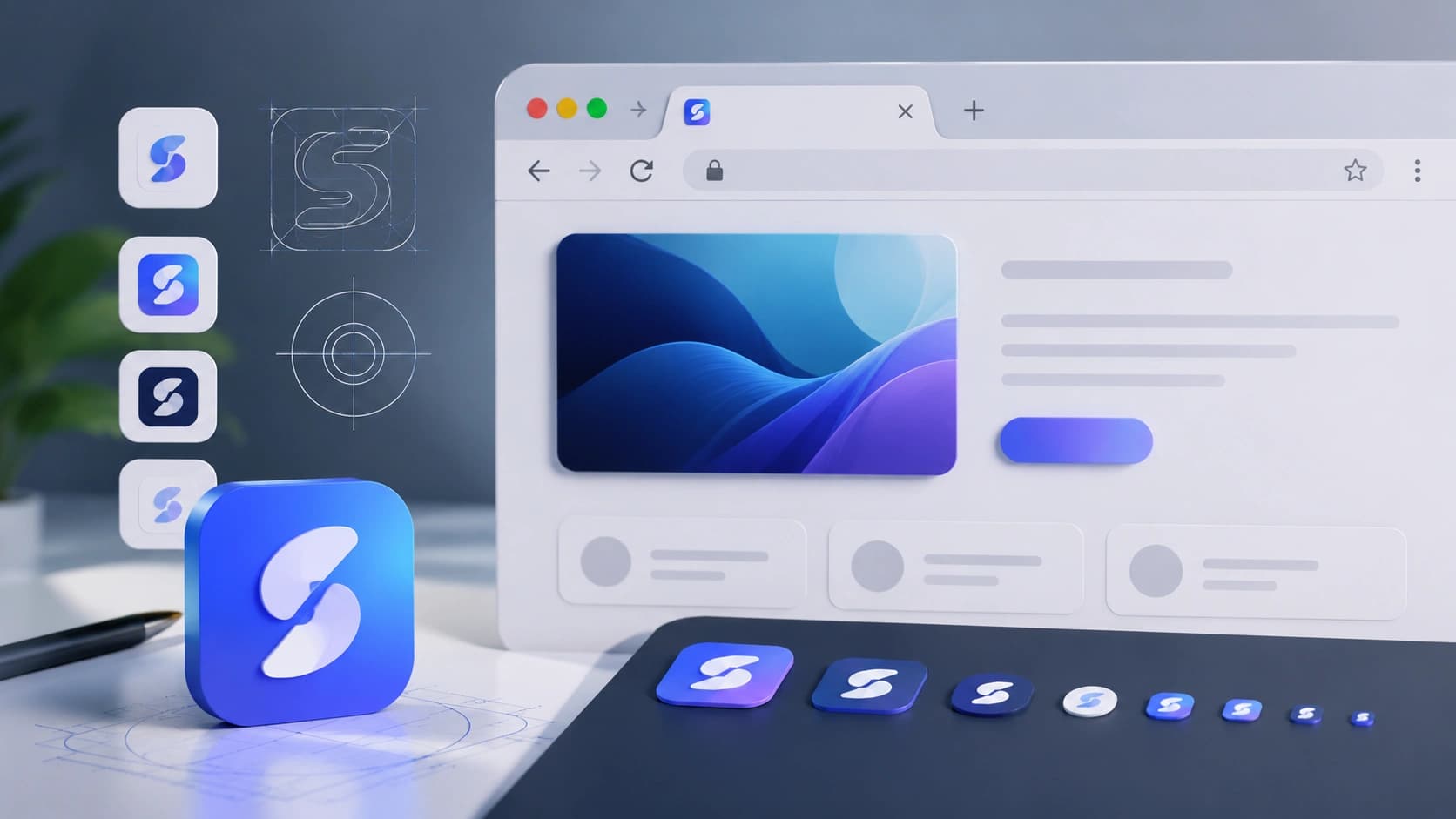
Resizes your image to standard icon dimensions in the browser.
Features
Multi-size
16px through 512px common set.
ZIP download
All icons in one file.
HTML hint
Link tags to copy.
Real examples
Startup launch
Letter mark -> favicon + apple-touch.
Rebrand
Replace old favicon bundle on deploy.
How to use Favicon Generator
- 1
Upload square or high-res logo.
- 2
Generate pack.
- 3
Download ZIP.
- 4
Add tags to your layout.
Who it is for
Developers
Ship tab icons without Photoshop.
Indie hackers
Quick brand mark on a new project.
Designers
Export client favicon packs.
Pro tips
- Start from 512x512 or larger.
- Test on dark and light browser chrome.
Common mistakes
- Tiny source image - looks blurry when scaled.
- Non-square art without padding.
- Forgetting cache bust after deploy.
Privacy note
Image stays in the browser during generation.
When not to use this tool
Complex animated favicons need dedicated tools.
Frequently Asked Questions
SVG favicon?
This tool focuses on raster sizes; SVG can be linked separately.
Commercial?
Yes for your own brand assets.
What sizes are included?
Common set from 16px through 512px in one ZIP.
Related tools
Other tools that work well alongside Favicon Generator.
Image Compressor
Compress JPG, PNG and WebP images in your browser. Batch compress up to 20 files, convert formats, resize, and download as ZIP. Processing stays on your device.
Open toolPNG to JPG Converter
Drop a PNG and convert it to JPG right in your browser. Pick a quality level and download instantly.
Open toolColor Palette Generator
Generate a five-color palette in one click. Tap any swatch to copy the hex code.
Open toolBackground Remover AI
Remove image backgrounds automatically with AI. Upload a photo and get a clean transparent PNG ready for design, products and social media.
Open toolBackground Pattern Generator
Create CSS and SVG background patterns for websites, landing pages and UI mockups.
Open toolBox Shadow Generator
Design CSS box shadows visually with sliders, then copy the code in one click.
Open toolRead next on the blog
Practical guides and how-tos from the Sounez blog.


