
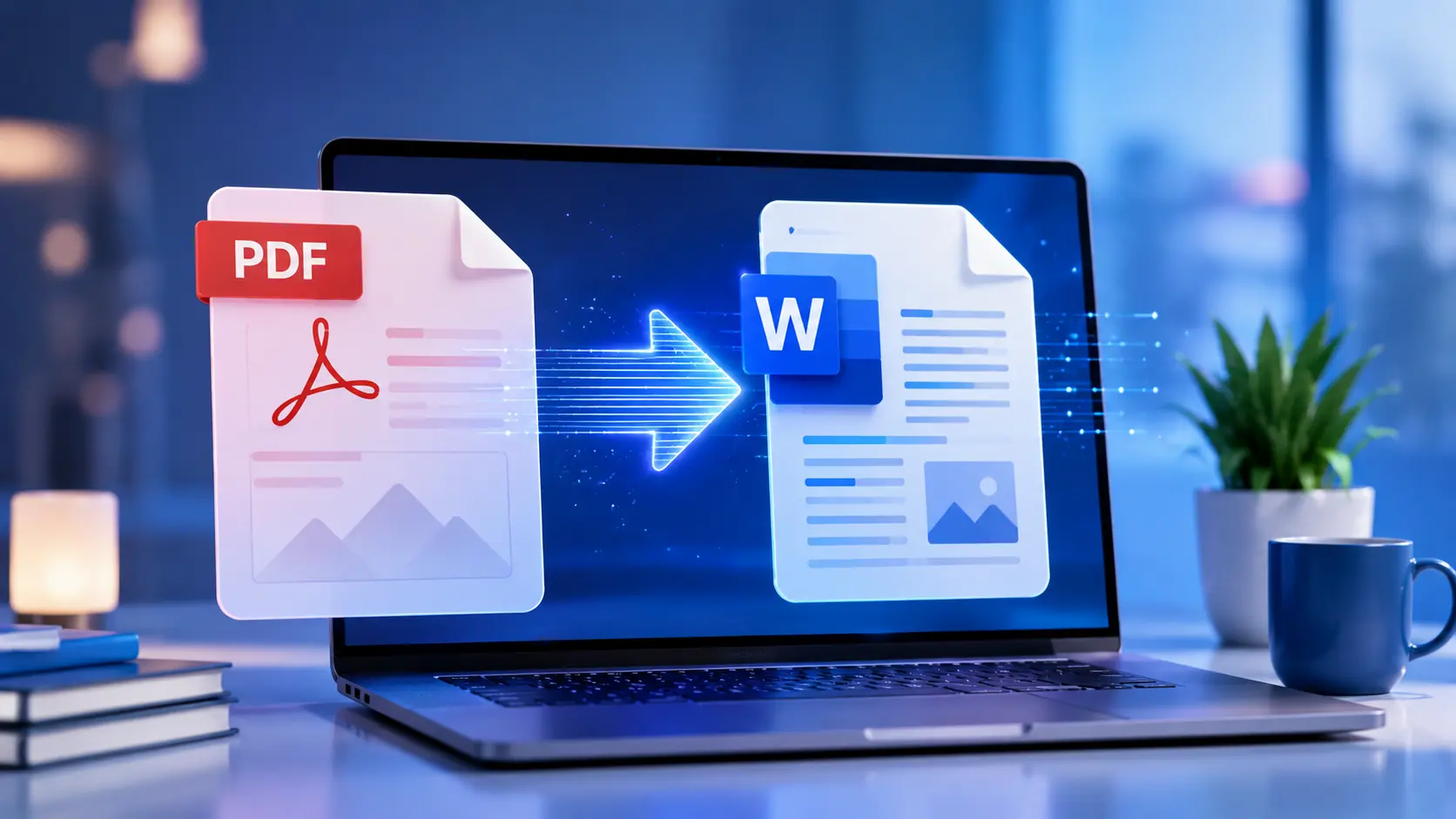

PDF to Word Converter
Upload a PDF and download an editable Word file when you need to fix typos, reuse text, or hand a document to someone who only works in DOCX.
Only convert documents you own or have permission to process.
Drop your PDF here, or click to browse
PDF files only - maximum 20 MB
What PDF to Word Converter does
Sends your PDF to our conversion service and returns a DOCX you can open in Word, Google Docs, or LibreOffice.
Features
Drag-and-drop
One file at a time, up to 20 MB, with clear errors if something is wrong.
Layout options
Choose whether to preserve layout, pull images, or run OCR on scans.
No account
Convert when you need it - fair-use limits apply on the server.
Real examples
Typed contract
12-page text PDF -> DOCX with headings you can redline.
Scanned form
Phone photo PDF with OCR -> editable text to fill gaps.
How to use PDF to Word Converter
- 1
Drop your PDF on the upload area.
- 2
Pick options that match the file (OCR for scans).
- 3
Start conversion and wait for the DOCX.
- 4
Download and proofread in Word.
Who it is for
Office staff
Turn a received PDF report into something you can edit and send back.
Students
Quote from a scanned handout after OCR, with manual cleanup.
Freelancers
Start from a client PDF instead of retyping pages.
Pro tips
- Split huge PDFs by chapter for cleaner output.
- Enable OCR only when the PDF is image-based.
Common mistakes
- Expecting perfect tables from magazine layouts.
- Uploading password-locked PDFs.
- Skipping proofread on OCR output.
Privacy note
Your PDF is processed on our servers and removed after conversion. Only upload documents you may process.
When not to use this tool
Do not upload confidential or classified files unless your organisation allows third-party conversion.
Frequently Asked Questions
Is my file stored?
No. It is used only to produce your DOCX, then deleted.
Will formatting match exactly?
Simple layouts convert well. Complex designs need manual touch-up.
What do I get after conversion?
A DOCX file you can open in Word, Google Docs, or LibreOffice.
Related tools
Other tools that work well alongside PDF to Word Converter.
Word Counter
Paste your text and see word count, character count, sentence count and reading time right away.
Open toolText Case Converter
Paste text and convert it to UPPERCASE, lowercase, Title Case, camelCase, kebab-case or snake_case.
Open toolImage Compressor
Compress JPG, PNG and WebP images in your browser. Batch compress up to 20 files, convert formats, resize, and download as ZIP. Processing stays on your device.
Open toolPassword Generator
Create a strong random password with the length and character types you choose. Runs in your browser.
Open toolQR Code Generator
Paste a URL or text and download a high-resolution QR code PNG. Free, no account needed.
Open toolCalculator
A clean, fast calculator for everyday maths. Handles basic operations, percentages and square roots.
Open toolRead next on the blog
Practical guides and how-tos from the Sounez blog.


