How to Write Better Social Media Captions with AI
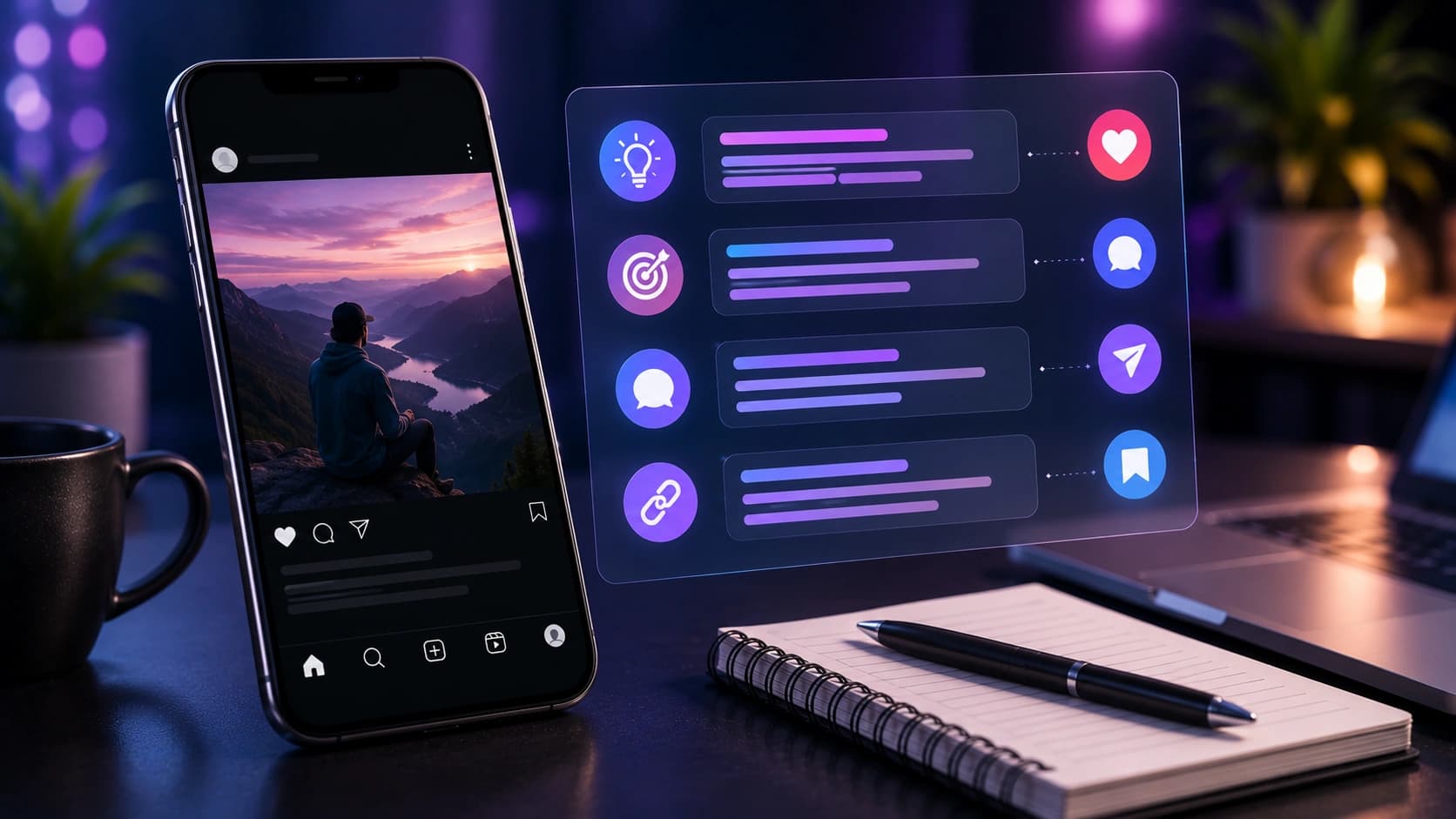
Many creators spend most of their time on the visual and leave the caption until the end. That is understandable, but the caption often carries the context: what the viewer is seeing, why it matters, and what to do next.
This guide covers what makes a caption clearer on each platform, reusable caption structures, and how to use the AI Caption Generator to produce three ready-to-post drafts you can edit before publishing.
Why captions matter more than most creators think
Captions give viewers a reason to pause, respond, save, or click. They also help explain the topic of a post when the visual alone is not enough. According to Instagram's own guidance on content ranking, Instagram considers signals such as user activity and how people interact with content. A clear caption can support those interactions without pretending to control the algorithm.
The caption is your post's call to action. Without it, you're just hoping people react.
What makes a good caption: the four elements
Every high-performing caption has at least three of these four elements:
- Hook: the first line, visible before "more". It must stop the scroll. Start with a question, a bold claim, a number, or a relatable situation.
- Body: the value, story or context. Keep it tight. Every sentence should earn its place.
- Call to action: tell people what to do: comment, save, share, click the link. Posts with explicit CTAs get significantly more engagement than those without.
- Hashtags: placed at the end or in the first comment. Use the Hashtag Generator to build a targeted set in seconds.
Caption examples by platform
Instagram, storytelling and emotion
Instagram rewards captions that feel personal. The algorithm favors saves and comments, so write captions that make people want to save for later or respond.
- Funny: "The least glamorous part of adulthood? Searching 'how to fix this' at 2 a.m. Save this for when you need it. #relatable #adulting"
- Inspirational: "Six months ago I had zero followers. Today I hit 10k. Here's the one thing that changed everything..."
- Professional: "Three things I learned from launching my first product. Number two surprised me most."
TikTok, short, punchy, keyword-rich
TikTok captions are often short, but they still matter. They can clarify the video, add a search-friendly phrase, or ask a simple question that fits the clip.
- "POV: you finally found a caption workflow you can finish before posting #contentcreator #contenttips"
- "The caption mistake that makes posts harder to understand (and how to fix it) #tiktokgrowth #contenttips"
LinkedIn, professional but human
LinkedIn captions can support more context than most social platforms. A clear lesson, practical example, or concise story usually reads better than a generic promotional post.
- "I got rejected by 12 companies before landing my dream job. Here's what I learned from each rejection: [numbered list]. What would you add?"
- "Hot take: most productivity advice is designed for people who don't actually have a lot to do. Here's what works when you're genuinely overwhelmed."
Caption templates that work across platforms
These structures work regardless of niche or platform:
- The question hook: "Have you ever [relatable situation]? Here's what I did about it."
- The number hook: "[X] things I wish I knew before [topic]."
- The contrarian: "Everyone says [common advice]. Here's why I disagree."
- The story: "Last [time period], I [situation]. Here's what happened."
- The save-worthy list: "Save this. [Topic] explained in [X] points."
Common caption mistakes to avoid
- Starting without context: If the first line does not say why the post matters, many readers will move on.
- No next step: A question, save reminder, link note, or simple takeaway can help readers understand what to do next.
- Hashtag stuffing: 30 random hashtags don't help. 5-10 targeted ones do.
- Copying competitors: Audiences can tell. Use AI as a starting point, then add your own voice.
- Ignoring the first line: On mobile, only the first 125 characters show before "more". Make them count.
How to use the AI Caption Generator
The AI Caption Generator takes three inputs: your topic or photo description, your platform, and your preferred tone. It returns three ready-to-post captions you can copy, edit and publish.
- Describe your photo or topic in plain language. Be specific: "sunset hike in the Alps with friends" beats "outdoor photo".
- Select your platform: Instagram, TikTok or LinkedIn.
- Choose a tone: funny, professional or inspirational.
- Click Generate. You get three options, pick the one that fits, or mix elements from different ones.
- Add your own hashtags using the Hashtag Generator and paste the final caption into your post.
AI gives you three strong starting points. Your edit makes one of them perfect.
Frequently Asked Questions
How long should an Instagram caption be?
Short captions can work well for simple posts, while longer captions can work for storytelling or educational posts. Keep the first line clear because it appears before the "more" cut-off.
Do captions affect reach on TikTok?
Captions help describe the video topic and can support discovery. Write for viewers first, then include natural topic words where they fit.
What tone works best on LinkedIn?
Professional but human is usually a safe starting point. Avoid corporate jargon, explain the context, and write like a real person with a useful point to make.
Can I use AI captions without editing them?
You can, but a quick personal edit always improves results. Add your own voice, a specific detail, or a call to action that fits your audience.
Is the AI Caption Generator free?
Yes. The Sounez AI Caption Generator is free to use. Fair-use limits may apply to keep the tool available.
Conclusion: write less, say more
The best captions are specific, human, and clear about the point of the post. Use the templates above as a starting point, let the AI Caption Generator handle the first draft, and spend your editing time on the hook and the CTA. That's where the engagement lives. Pair your captions with the right hashtags using the Hashtag Generator and you have a complete posting workflow without starting from a blank box.
Found this article useful?
Written by
Nesou is a web developer and independent creator who built Sounez from scratch in 2024. The site covers practical browser tools for image editing, CSS design, social media publishing, file conversion, and everyday productivity — all written and maintained by a single developer with a focus on privacy-first, account-free tooling. About Sounez · GitHub
Ready to put this into action?
Open AI Caption Generator and try it now. Free, no account needed.