How to Write Better YouTube Descriptions
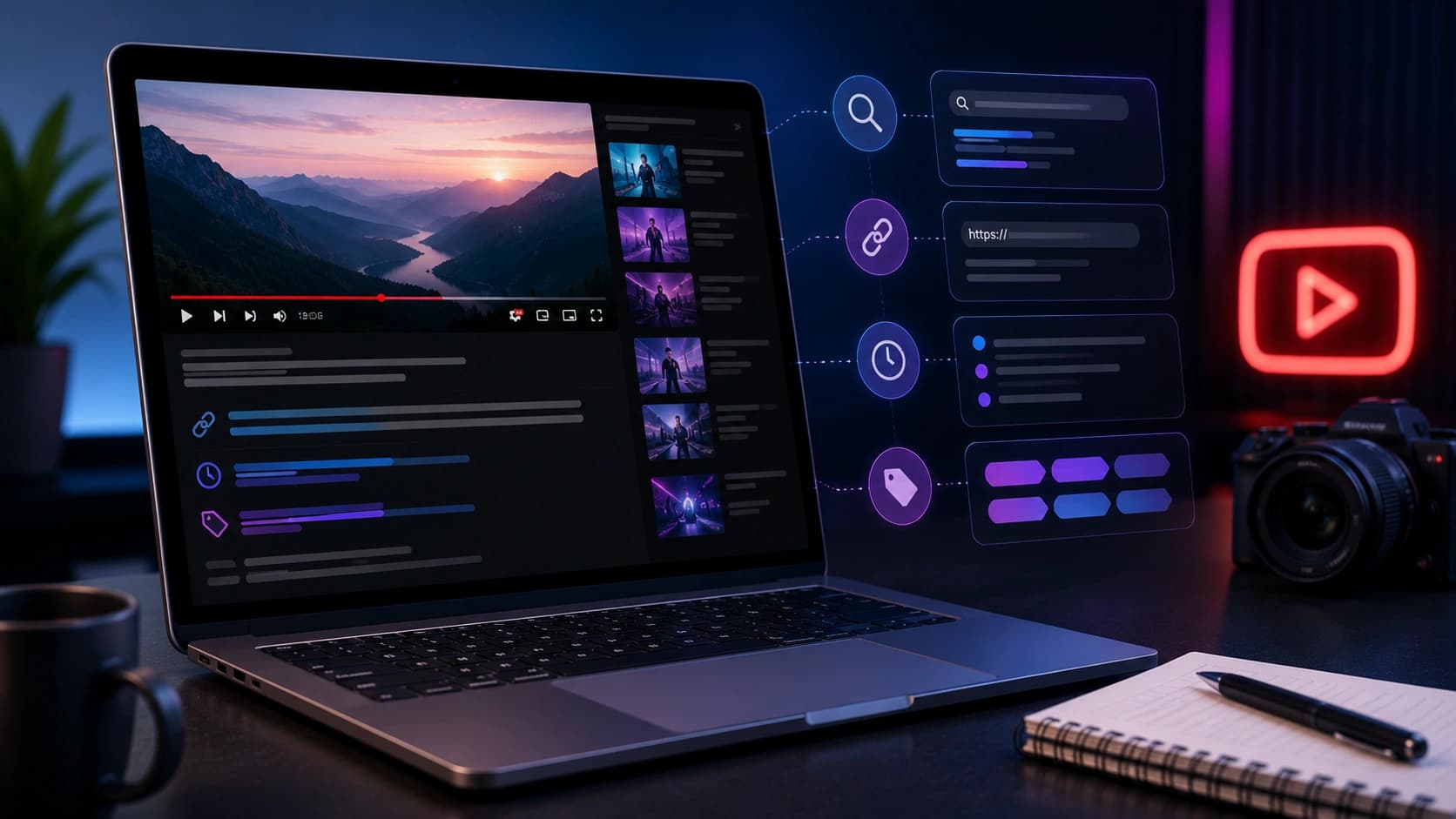
A YouTube description helps viewers understand what the video covers before they watch. It also gives YouTube more context about the topic, related resources, and chapter structure. Many creators write two sentences and call it done, or leave it blank entirely.
A well-written description will not save a weak video, but it can make a good video easier to navigate, understand, and revisit.
The structure of a useful YouTube description
Think of your description in three zones:
- Above the fold (first 2-3 lines): this is what viewers see before clicking "more". It should explain the video clearly and include the main topic naturally.
- The body (lines 4-20): expand on the video content, include secondary keywords, add timestamps, and link to related resources.
- The footer: social links, subscribe CTA, hashtags, and boilerplate about your channel.
The first two lines of your description are the most important, they show in search results before the "more" button.
Step 1: Lead with your primary keyword
Your first sentence should contain the exact phrase someone would type to find your video. According to YouTube's Creator Academy, a good description helps both viewers and YouTube understand your video's content. If your video is "how to grow on TikTok", your description should open with something like: "In this video, I break down exactly how to grow on TikTok, from niche selection to your first 10k followers."
Do not stuff keywords. Write naturally for viewers first, then make sure the topic is clear.
Step 2: Add timestamps (chapters)
Timestamps do two things: they improve viewer experience (people can jump to what they need) and they create additional keyword-rich text that YouTube indexes. Format:
- 0:00, Introduction
- 1:45, Why most creators fail at this
- 4:20, The niche selection framework
- 8:10, Hook writing masterclass
- 12:30, Hashtag strategy
Each chapter title is another keyword opportunity. Use the Word Counter to keep chapter titles tight, under 50 characters is ideal.
Step 3: Include secondary keywords naturally
After your opening paragraph and timestamps, write 3-5 sentences that naturally include related terms. If your primary keyword is "TikTok growth", secondary keywords might be "TikTok algorithm 2026", "grow TikTok followers", "TikTok for beginners", and "TikTok content strategy".
The goal is not keyword density — it is giving YouTube and viewers enough context to understand the full scope of the video. Think about the questions someone might search after watching: if your video is about growing on TikTok, they might also search for how to write TikTok captions or how to use trending audio. Mentioning those topics naturally in your description creates a thematic connection.
Use the YouTube Tags Generator to discover related keyword variations — many of them belong in your description, not just your tags field.
Before and after: a real description example
The difference between a weak and strong description is usually just specificity and structure, not length.
Weak description:
"In this video I talk about TikTok growth. Hope you enjoy! Subscribe for more content. #tiktok #growth"
Strong description (same video):
"In this video I break down exactly how to grow on TikTok — from choosing a niche that compounds to writing hooks that stop the scroll in the first second.
0:00 Introduction
1:30 Why most creators plateau at 1k followers
4:45 The niche selection framework I use
8:20 Writing hooks that actually work
13:10 Posting cadence and consistency strategy
17:00 Recap and next steps
This strategy covers TikTok algorithm growing TikTok followers organically, and TikTok content strategy for beginners. No paid promotion, no follow/unfollow tricks.
Related videos: [link] | [link]
Free caption templates: [link]
#tiktokgrowth #tiktok2026 #contentcreator"
The second description is more specific, more useful to viewers who want to navigate, and more informative for YouTube's understanding of the video. It takes about 8 extra minutes to write and pays dividends for the life of the video.
Step 4: Add links that keep viewers in your ecosystem
- Link to 2-3 related videos on your channel
- Link to your most important playlist
- Link to your website or newsletter signup
- Link to any tools or resources mentioned in the video
Internal links can help viewers find the next useful video without leaving your channel.
Step 5: End with hashtags
YouTube displays up to 3 hashtags above your video title, they come from the last hashtags in your description. Use 3-5 relevant hashtags at the very end. Generate the right mix with the Hashtag Generator.
Description length: how long is long enough?
YouTube allows up to 5,000 characters. Aim for 300-500 words for most videos, enough to give viewers enough context, not so much that it feels like spam. Use the Word Counter to hit that range before publishing.
The description template
Copy and adapt this for every video:
- Line 1-2: Hook + primary keyword
- Line 3: What viewers will learn
- Blank line
- Timestamps
- Blank line
- 3-5 sentences with secondary keywords
- Blank line
- Related video links
- Subscribe CTA
- Social links
- Blank line
- 3-5 hashtags
Frequently Asked Questions
Do YouTube descriptions affect discovery?
They help YouTube and viewers understand the video topic. A clear description with natural keywords and accurate timestamps gives YouTube more context, but it does not override watch time and click-through rate as ranking signals.
Should I use the same description template for every video?
Use the same structure if it helps your workflow, but write unique summaries, timestamps, and links for each video. Identical descriptions across many videos appear low-quality to both viewers and YouTube.
How many hashtags should I use?
3-5 is the sweet spot. YouTube displays the first 3 hashtags above your video title. YouTube ignores descriptions with more than 15 hashtags entirely, so adding 30 removes all hashtag benefits.
Where should I put my most important link?
In the first 200 characters, before the "more" button. That is the only part most viewers see without expanding. Put your newsletter, product page, or most relevant resource there.
How long should a YouTube description be?
300 to 500 words is a good target for most videos. Enough context, timestamps, and links without feeling like spam. YouTube allows up to 5,000 characters.
Should I include a transcript in my description?
A partial summary of key points helps with keyword coverage. Full transcripts are better uploaded as a caption file through YouTube Studio, which also improves closed caption quality for all viewers.
Conclusion: treat the description box like a landing page
Your description is free SEO real estate that most creators waste. Spend 10 extra minutes on it per video, use the YouTube Tags Generator for keyword ideas, the Word Counter to hit the right length, and the Hashtag Generator for the footer. That's a 10-minute investment that compounds for the life of the video.
Found this article useful?
Written by
Nesou is a web developer and independent creator who built Sounez from scratch in 2024. The site covers practical browser tools for image editing, CSS design, social media publishing, file conversion, and everyday productivity — all written and maintained by a single developer with a focus on privacy-first, account-free tooling. About Sounez · GitHub
Ready to put this into action?
Open YouTube Tags Generator and try it now. Free, no account needed.